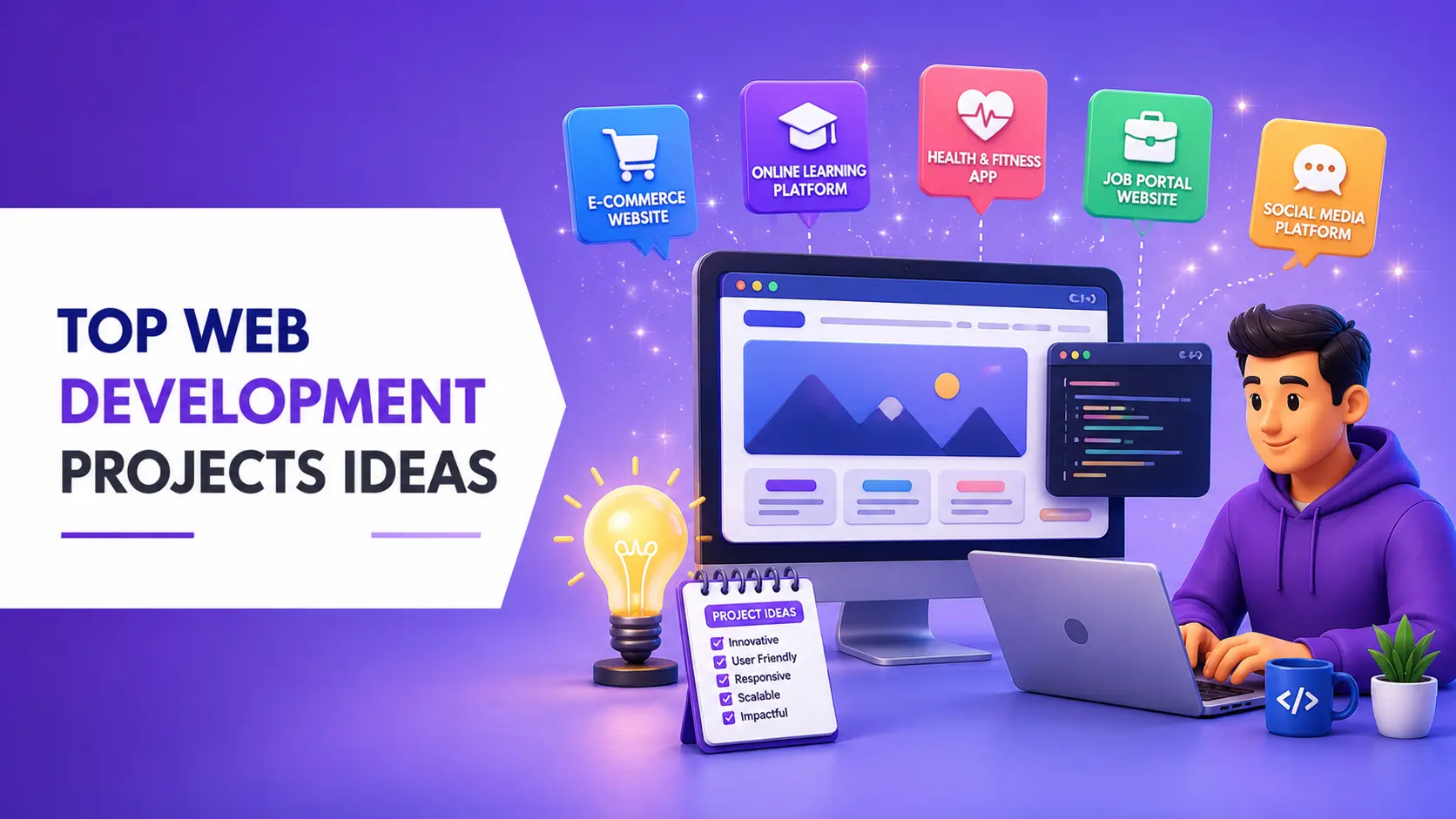
Becoming a skilled web developer today requires more than just watching tutorials or completing courses. Real growth comes when you start building actual projects and apply what you learn in practical scenarios. Employers and clients are always interested in what you have created rather than what you have studied. That is why project-based learning plays a very important role in your development journey. In this guide, you will find structured web development project ideas for beginners, intermediates, and experts that will help you build strong real-world skills.
Why Web Development Projects Matter
Web development projects are the bridge between theory and real-world experience. They help you understand how different technologies work together in a real application instead of isolated lessons. When you build projects, you also learn how to solve problems, debug errors, and improve performance in practical situations. This is why project-based learning is considered one of the most effective ways to become job-ready in web development.
Kick-start your coding journey or refine your expert skills by building these structured web development projects. Beginners should focus on foundational UI/UX and DOM manipulation, while experts can tackle real-time data handling, server-side rendering, and scaling. Working on different types of projects also improves creativity and helps you think like a developer rather than just a learner. It prepares you for real interview questions and client requirements.
Why Beginners Should Work on Multiple Web Projects
Beginners often make the mistake of sticking to only one project or one technology, which limits their learning. Working on multiple small projects helps you explore different concepts like layouts, logic building, API handling, and responsive design. It also builds confidence because you see your progress with every new project you complete.
Each project teaches something unique, whether it is UI design, JavaScript interaction, or backend communication. Over time, this practice builds a strong foundation and prepares you for advanced development. It also helps you understand how real applications are structured in the industry.
Skills Required to Become a Web Developer
1. Core Technical Skills
To become a successful web developer, you must first understand the core building blocks of the web. HTML helps you structure content, CSS handles design and layout, and JavaScript adds interactivity. These three languages are essential for every frontend developer. Without mastering them, it becomes difficult to move to advanced concepts.
2. Backend & Database Skills
Once you are comfortable with frontend basics, you need to learn how data is handled on the server side. This includes working with APIs, databases, and backend languages. It helps you build dynamic applications that store and retrieve user data effectively.
3. Tools and Soft Skills
In addition to coding skills, tools like Git and GitHub are important for version control and collaboration. Problem-solving, debugging, and logical thinking are equally important skills in real-world development work. Communication and adaptability also play a big role when working in teams or client projects.
Beginner Web Development Projects
Beginner projects are designed to help you understand basic web development concepts like layout, styling, and interactivity. These projects mainly focus on HTML, CSS, and JavaScript fundamentals. They also help you understand how websites respond to user actions and data input.
1. Personal Portfolio Website
A personal portfolio website is one of the most important beginner projects because it represents your identity as a developer. It allows you to showcase your skills, resume, and projects in one place. While building it, you learn how to use Flexbox, Grid, and responsive design techniques. It also teaches you how to deploy a live website.
2. Interactive Quiz Game
An interactive quiz game helps you understand how user interaction works in web applications. It focuses on DOM manipulation, event handling, and score tracking. You also learn how to manage application state using JavaScript. This project improves logical thinking and user experience design.
3. Weather Forecast App
A weather app teaches you how to work with APIs and real-time data. You fetch weather information from services like OpenWeatherMap and display it dynamically on the screen. It also helps you understand JSON data and asynchronous JavaScript. This is an important step toward real-world development skills.
4. To-Do List App
A to-do list application is a classic project that helps you understand CRUD operations. It allows users to add, update, and delete tasks easily. You also learn how to store data in localStorage so that information stays saved even after refreshing the page. This project builds strong logic-handling skills.
Technologies Used in These Projects
Most of the projects in this guide use core web development technologies such as HTML, CSS, and JavaScript. Some advanced projects also include APIs, React, Node.js, and database systems. These technologies are widely used in real-world development and job roles. Learning them through projects helps you understand how professional applications are built. It also improves your confidence in using modern development tools.
Common Mistakes Beginners Should Avoid
Many beginners make mistakes while learning web development through projects. One common mistake is directly jumping to advanced projects without understanding basics properly. Another mistake is copying projects without understanding the logic behind them. Some learners also avoid practicing regularly, which slows down their progress. To become successful, you should focus on understanding concepts and building projects step by step with consistency.
Intermediate Web Development Projects
Intermediate projects help you move beyond frontend basics and introduce backend concepts. At this stage, you start building more complex applications that involve authentication, databases, and APIs. These projects also improve your understanding of full-stack development.
1. E-Commerce Platform
An e-commerce platform helps you understand how online shopping websites work. It includes product listings, cart systems, and checkout flows. You also learn routing and state management for handling complex data. This project gives you real-world application structure experience.
2. Real-Time Chat Application
A chat application teaches you how real-time communication works on the web. You use WebSockets or tools like Firebase to sync messages instantly. It also includes user authentication and private messaging features. This project is very useful for understanding modern web apps.
3. Blog or CMS Platform
A blog or CMS system allows users to create and manage content dynamically. You learn CRUD operations in a deeper way along with database design. It also introduces you to user roles and content management systems. This is an important full-stack development project.
4. Movie Watchlist App
A movie watchlist app uses APIs like IMDb to fetch movie data. Users can search movies, read details, and save their favorites. It improves your ability to work with external APIs and user personalization. This project enhances frontend and backend integration skills.
Why Advanced Projects Are Important
Advanced projects are important because they help you understand real-world software development. They teach you how large applications are designed, scaled, and optimized for performance. These projects also introduce complex concepts like real-time communication, AI integration, and cloud services. Working on advanced projects prepares you for job interviews and professional roles. It also helps you stand out from other developers in the industry.
Advanced & Expert Web Development Projects
Advanced projects are designed for developers who already understand frontend and backend development. These projects focus on performance, scalability, and real-world system design. They also introduce advanced technologies like AI, cloud services, and real-time architecture.
1. AI-Powered SaaS Application
An AI-powered SaaS application integrates artificial intelligence APIs like OpenAI or Anthropic. It allows users to generate content, analyze data, or perform smart tasks. You learn about prompt engineering, API security, and response streaming. This project is highly relevant in today’s tech industry.
2. Full-Stack Video Streaming Platform
This project involves building a platform similar to YouTube or Twitch. It includes video uploads, streaming, and user interaction features. You also work with cloud storage, CDNs, and video processing tools like FFmpeg. It is one of the most advanced real-world projects.
3. Real-Time Analytics Dashboard
A real-time analytics dashboard displays live data using charts and graphs. It helps you understand data visualization libraries like Chart.js or D3.js. You also learn how to optimize performance for large datasets. This project is important for enterprise-level applications.
4. Collaborative Code Editor
A collaborative editor allows multiple users to edit the same document in real time. It uses technologies like WebSockets and CRDTs for synchronization. This project teaches advanced concepts like concurrency and low-latency updates. It is similar to tools like Google Docs.
Step-by-Step Beginner Project Ideas
These projects help beginners gradually improve their skills by starting with simple applications and slowly increasing complexity. Each project focuses on specific concepts like layout design, logic building, and API handling.
- One-Page Website Layout: This project helps you understand how websites are structured using sections and navigation. You learn how to design responsive layouts using HTML and CSS. It also improves your ability to organize content clearly.
- Landing Page Design: Landing pages are designed to convert users into customers or subscribers. This project helps you understand UI/UX principles and conversion-based design. It also improves your ability to create visually appealing pages.
- Background Generator Tool: A background generator teaches you how to manipulate the DOM dynamically. You can change colors and styles based on user input. This improves your understanding of JavaScript interactivity.
- Netflix Clone (React): A Netflix clone helps you learn React fundamentals like components, JSX, and routing. You also understand how modern web apps are structured. It is a great project for moving from beginner to intermediate level.
- Connect Four Game: This game improves your logic-building skills using JavaScript or Python. You learn how to handle conditions, loops, and game rules. It also helps you think like a problem solver.
- URL Shortener Tool: A URL shortener helps you understand API integration and backend logic. It takes a long URL and returns a shortened version. This project is useful for learning real-world application behavior.
Intermediate Project Ideas Explained
At this level, projects become more practical and closer to real industry applications. You start working on authentication systems, automation tools, and SEO-based development. These projects improve both technical and logical skills.
Login Authentication System
This system helps you understand secure user login and data protection. You learn how authentication and authorization work in web applications. It is a very important concept for backend development. It also teaches how to manage user sessions safely in real-world applications.
JavaScript Quiz Game
A JavaScript quiz game improves your understanding of arrays, events, and conditional logic. It also helps you manage real-time user input and scoring systems. This is a great practice project for beginners moving upward. It also strengthens your ability to structure interactive web applications with clear logic flow.
SEO-Friendly Website
An SEO-friendly website teaches you how search engines rank pages. You learn about structured content, metadata, and performance optimization. It is useful for both developers and digital marketers. It also helps you understand how better site structure improves visibility and organic traffic.
Slack Bot Project
A Slack bot introduces automation and chatbot development. It can perform tasks, send messages, and interact with users automatically. This project helps you understand API-based automation systems. It also improves your understanding of how applications can communicate and respond without manual input.
Weather App with API
A weather app helps you master API integration and asynchronous programming. You fetch live weather data and display it dynamically. It is a strong project for improving frontend development skills. It also gives you practical experience in handling real-time data and improving user interaction in web applications.
What You Will Learn From This Guide
In this guide, you will learn a complete structured approach to web development projects from beginner to expert level in a simple and practical way. It will help you understand how real-world developers think and build applications step by step instead of only learning theory. You will explore beginner projects, intermediate projects, and advanced projects in a clear learning path. This section also helps you understand what skills you will gain at each stage of your journey. Overall, it prepares you with a complete roadmap that can guide you toward becoming a job-ready web developer.
Roadmap to Become a Web Developer Through Projects
Becoming a web developer is much easier when you follow a proper project-based roadmap instead of random learning. You start by learning basic HTML, CSS, and JavaScript through small beginner projects that build your foundation. After that, you move to intermediate projects where you learn APIs, authentication, and backend basics. Then you progress to advanced projects where you work on scalable systems, real-time applications, and modern technologies. This step-by-step project roadmap helps you grow from beginner to professional in a structured way.
How to Choose the Right Web Development Project
Choosing the right project is very important because it decides how effectively you learn and grow your skills. Beginners should always start with simple UI-based projects that focus on layout, design, and basic JavaScript logic. Intermediate learners should focus on API-based projects and applications that include real data handling and user interaction. Advanced developers should choose complex projects that include scalability, performance optimization, and backend architecture. The right project selection ensures steady progress and avoids confusion while learning web development.
Beginner-Friendly Project Selection Tips
When you are starting as a beginner, it is important to keep your projects simple and focused on learning core concepts. Do not try to build advanced applications in the beginning because it can slow down your progress and create confusion. Instead, focus on understanding how HTML structure works, how CSS styling affects design, and how JavaScript adds interactivity. Try to complete multiple small projects instead of spending too much time on one large project. This approach helps you build confidence and strengthens your fundamentals step by step.
How to Upgrade from Beginner to Intermediate Level
The transition from beginner to intermediate level happens when you start working on dynamic and data-driven applications. At this stage, you should begin using APIs to fetch real-time data and understand how JSON works in web applications. You should also start learning basic backend concepts like authentication, database handling, and server communication. Building clone projects like e-commerce apps or chat applications will help you understand real-world system structure. This upgrade phase is very important because it prepares you for professional-level development work.
What Makes a Project Advanced-Level
An advanced-level project is not just about writing more code but about building scalable and real-world systems. These projects usually involve complex features like real-time data processing, multi-user interaction, and backend optimization. You may also work with technologies like AI APIs, cloud services, and streaming systems in advanced projects. Performance optimization and system design become very important at this level of development. Overall, advanced projects reflect how real production-level applications are built in the tech industry.
Final Tips to Become Job-Ready in Web Development
To become job-ready in web development, you need consistent practice and strong project experience instead of only theoretical knowledge. You should aim to build multiple real-world projects that cover both frontend and backend development. It is also important to maintain a strong portfolio on GitHub so that employers can see your work. Focus on improving your problem-solving skills because they matter more than memorizing code. With regular practice and project building, you can easily become confident and job-ready in web development.
Build a Strong Developer Portfolio
A strong portfolio is one of the most important things for a web developer. It shows your real skills, projects, and problem-solving ability. Employers and clients always prefer developers who can show practical work instead of only certificates. You should include beginner, intermediate, and advanced projects in your portfolio. Hosting your projects on GitHub and deploying them online increases your chances of getting hired.
Conclusion
Web development projects are the most powerful way to become a skilled and job-ready developer. They help you move from basic knowledge to real-world application building. By working on different types of projects, you improve your logic, design sense, and technical skills. Beginners should focus on fundamentals, while experts should aim for scalable and complex systems. Consistent practice is the key to success in web development. The more projects you build, the stronger your portfolio becomes, increasing your chances of getting hired or working as a freelancer.
Frequently Asked Questions
1. What are the best web development projects for beginners?
The best beginner projects include a personal portfolio website, to-do list app, weather app, and simple quiz game. These projects help you learn HTML, CSS, JavaScript, and basic DOM manipulation. They also improve your logic-building and UI design skills. Beginners should focus on simple and practical projects first. This builds a strong foundation for advanced development.
2. How many projects should I build to get a web development job?
You should aim to build at least 8 to 15 quality projects. These should include beginner, intermediate, and at least one advanced project. Employers look for real skills, not just quantity. A diverse portfolio shows your ability to work on different types of applications. Strong, practical projects increase your job chances.
3. Which project is best for a web developer portfolio?
A personal portfolio website is the most important project for any developer. It highlights your skills, resume, and work in one place. Along with it, projects like e-commerce sites, chat apps, and API-based apps make your portfolio stronger. A mix of simple and advanced projects looks more professional. This helps you attract employers and clients.
4. Can I become a web developer without a degree?
Yes, a degree is not required to become a web developer. Many developers are self-taught through online learning and projects. What matters most is your practical knowledge and portfolio. If you can build real-world projects, you can get freelance work or a job. Skills and experience matter more than formal education.
5. How long does it take to learn web development with projects?
It usually takes 4 to 8 months to learn basic web development with consistent practice. Beginners who build projects daily learn faster and become job-ready sooner. Advanced skills may take longer depending on practice and project complexity. The key is consistency and hands-on learning. Regular project building speeds up the learning process.
People are also reading: