Managing multiple projects across teams isn’t just challenging it can quickly turn into chaos without the right system in place. Missed deadlines, poor communication, and lack of visibility are some of the most common problems teams face when handling complex programs. That’s where program management software tools come in.
These tools are designed to help businesses plan, execute, and monitor multiple projects from a single platform. From tracking progress and managing resources to automating workflows and improving collaboration, they make it easier to stay aligned with business goals and deliver projects successfully.
In 2026, the demand for smarter and more efficient tools is higher than ever. Whether you’re a startup trying to scale, an agency managing multiple clients, or an enterprise handling large-scale operations, choosing the right program management software can directly impact your productivity, efficiency, and overall success.
In this guide, we’ll explore the 10 best tools for program management software, along with their features, pricing, pros and cons, and use cases so you can find the perfect solution for your team.
What is the Best Program Management Software?
The best program management software tools in 2026 include ClickUp, Asana, and Monday.com.
These tools help teams manage multiple projects, improve collaboration, automate workflows, and track performance in real time. The best choice depends on your team size, budget, and project complexity.
Key Features of Program Management Software
Before choosing a tool, make sure it includes:
- Project & portfolio tracking
- Task management and automation
- Resource allocation
- Reporting & analytics
- Collaboration tools
- Integration with other apps
- Custom workflows
10 Best Program Management Software Tools (2026)
1. ClickUp
Best for: All-in-one project and program management
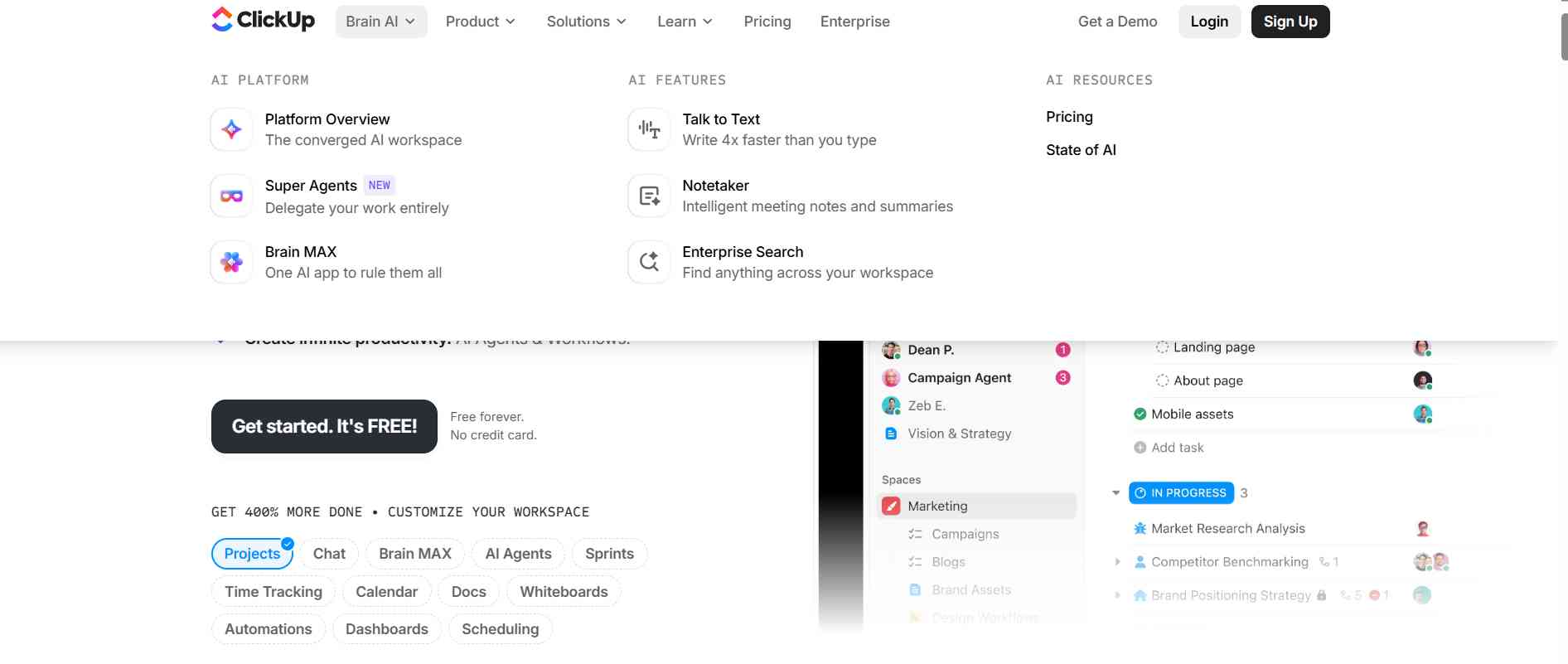
ClickUp is one of the most powerful all-in-one platforms designed to handle both project and program management at scale. It combines task management, documentation, goal tracking, time tracking, and automation into a single centralized workspace, reducing the need for multiple tools. This makes it especially useful for teams managing multiple interconnected projects under one program.
The platform stands out for its high level of customization, allowing teams to create tailored workflows, dashboards, and reporting systems based on their specific needs. Whether you're a startup managing a few projects or an enterprise handling complex operations, ClickUp adapts easily to different team sizes and structures. Its ability to connect tasks with goals and track performance in real time makes it a strong choice for organizations focused on productivity and alignment.
Key Features:
- Custom dashboards with real-time insights
- Goal tracking and OKR management
- Built-in time tracking and reporting
- Advanced automation workflows
- Multiple views (List, Board, Gantt, Calendar)
Pricing:
- Freemium (Free plan available)
- Paid plans start from approx. $7/user/month
Pros:
- Highly customizable for any workflow
- Affordable compared to competitors
- Suitable for teams of all sizes
Cons:
- Slight learning curve for beginners
- Can feel overwhelming due to feature depth
2. Asana
Best for: Workflow and task management
Asana is a widely used work management platform that helps teams organize, track, and manage their work efficiently across multiple projects. It is especially known for its clean interface and structured workflow system, which makes it easy for teams to understand responsibilities and stay aligned.
The platform allows users to break down complex programs into manageable tasks, assign responsibilities, and track progress through visual timelines and boards. Asana is particularly effective for teams that prioritize clarity and collaboration, as it ensures everyone has visibility into project status and deadlines. Its balance between simplicity and functionality makes it suitable for both small teams and growing organizations.
Key Features:
- Timeline view for project planning
- Workflow automation for repetitive tasks
- Task dependencies and milestone tracking
- Real-time collaboration tools
Pricing:
- Freemium (Free plan available)
- Paid plans start from approx. $10.99/user/month
Pros:
- Clean and user-friendly interface
- Strong workflow and task management
- Excellent for team collaboration
Cons:
- Limited reporting features in free plan
- Advanced features require premium plans
3. Monday.com

Best for: Visual project tracking
Monday.com is a visual work management platform that simplifies program management through highly interactive and customizable dashboards. It allows teams to manage multiple projects, workflows, and processes using a visually appealing interface that is easy to understand.
The platform is designed to make complex data more accessible by using color-coded boards, timelines, and widgets. This helps teams quickly identify bottlenecks, track progress, and make informed decisions. Monday.com is particularly useful for teams that prefer a more visual and less technical approach to managing projects, making it ideal for marketing, operations, and creative teams.
Key Features:
- Visual dashboards and customizable boards
- Automation for repetitive workflows
- Built-in time tracking
- Wide range of integrations
Pricing:
- Paid (No free plan, free trial available)
- Paid plans start from approx. $8/user/month
Pros:
- Extremely user-friendly interface
- Great for visual project tracking
- Flexible customization options
Cons:
- Can be expensive for smaller teams
- Pricing increases with features
4. Wrike
Best for: Enterprise teams
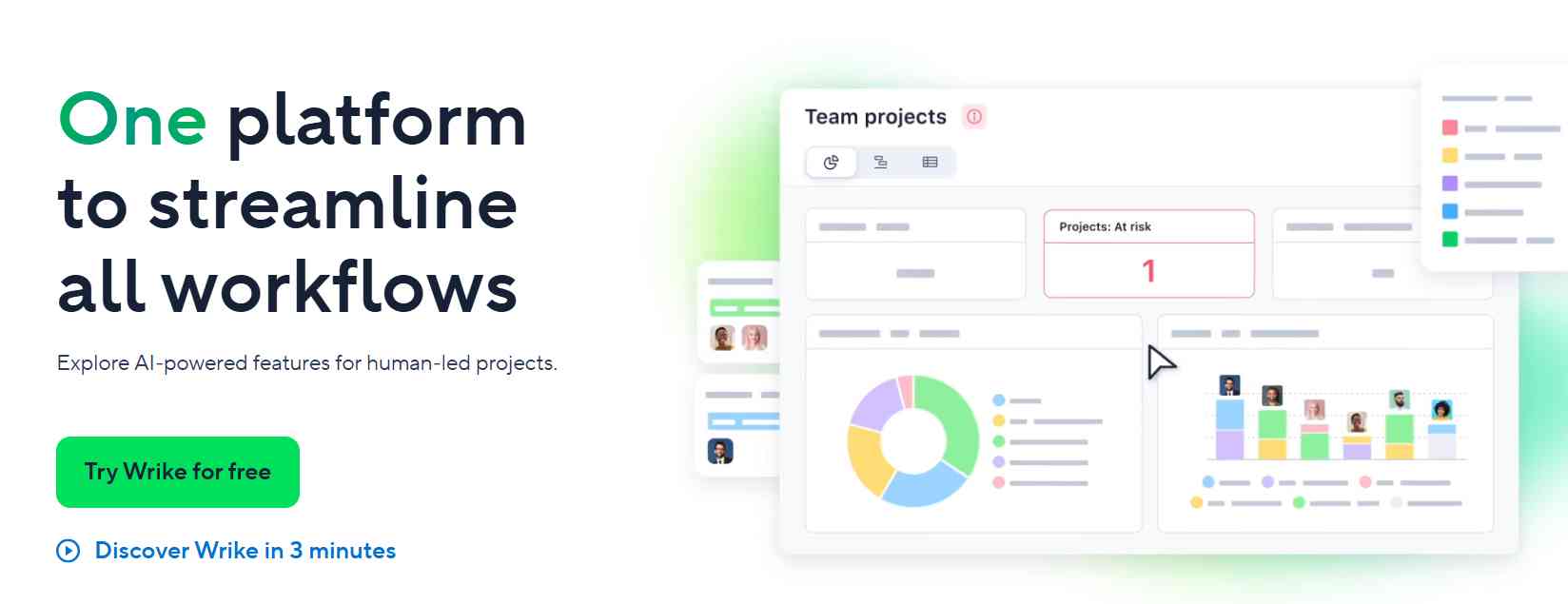
Wrike is an advanced program management tool built for large teams and enterprises that need detailed control over complex workflows. It offers powerful features for project tracking, reporting, and resource management, making it ideal for organizations handling multiple large-scale programs simultaneously.
One of Wrike’s key strengths is its ability to provide real-time insights into project performance through customizable dashboards and analytics. This allows managers to monitor progress, identify risks, and make data-driven decisions. Its scalability and advanced capabilities make it a preferred choice for enterprises looking for a robust and reliable solution.
Key Features:
- Advanced analytics and reporting tools
- Resource and workload management
- Custom workflows and automation
- Real-time collaboration and updates
Pricing:
- Freemium (Free plan available)
- Paid plans start from approx. $9.80/user/month
Pros:
- Highly scalable for large teams
- Powerful analytics and reporting
- Strong collaboration features
Cons:
- Complex interface for beginners
- Requires time to fully understand
5. Smartsheet
Best for: Spreadsheet-style management
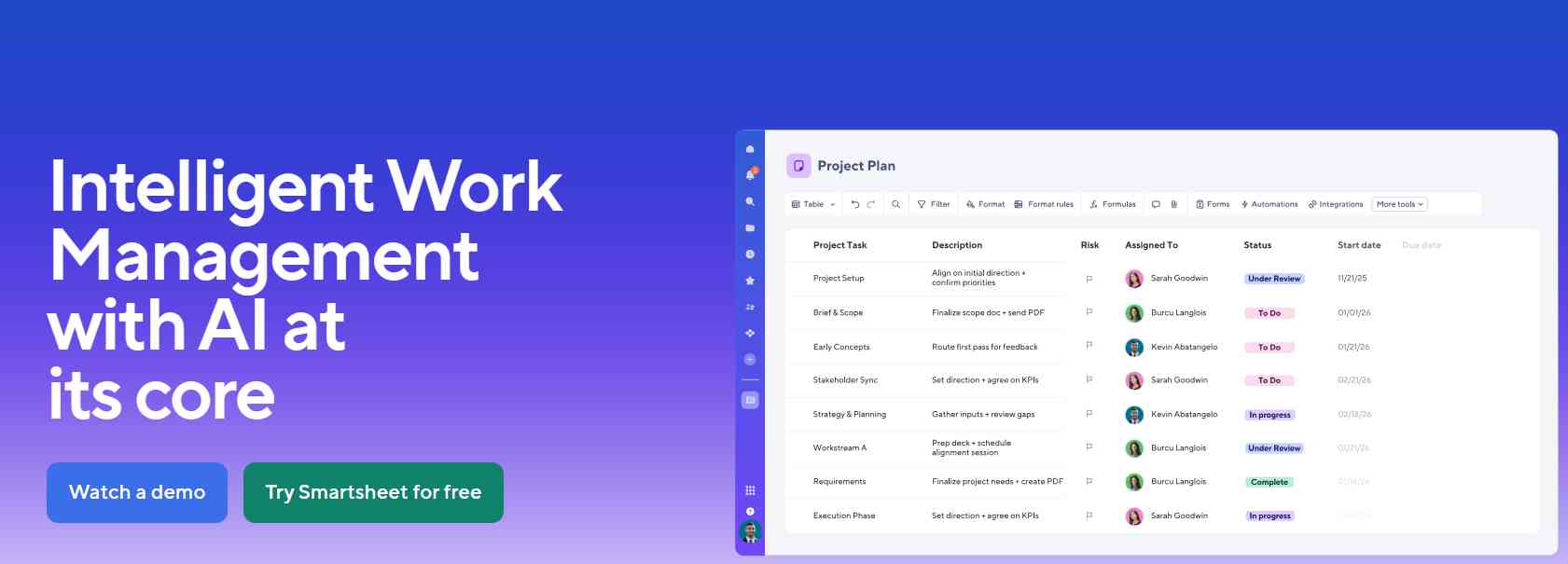
Smartsheet is a unique program management tool that combines the familiarity of spreadsheets with modern project management features. It is especially useful for teams that are comfortable working with Excel-like interfaces but want more advanced capabilities such as automation and collaboration.
The platform allows users to manage tasks, track progress, and generate reports using a structured grid system. This makes it ideal for data-driven teams that rely heavily on structured information. Smartsheet is a great option for organizations transitioning from traditional tools to more advanced program management solutions without a steep learning curve.
Key Features:
- Spreadsheet-style grid interface
- Workflow automation
- Collaboration tools
- Advanced reporting and dashboards
Pricing:
- Paid (No free plan, free trial available)
- Paid plans start from approx. $9/user/month
Pros:
- Easy to adopt for spreadsheet users
- Strong reporting capabilities
- Good for structured data management
Cons:
- Less flexible than modern tools
- Limited visual project tracking
6. Microsoft Project
Best for: Traditional project managers
Microsoft Project is a well-established and highly reliable program management tool widely used by enterprises for detailed planning and scheduling. It offers advanced features such as Gantt charts, resource allocation, and budget tracking, making it suitable for managing complex programs.
The platform is best suited for experienced project managers who require precise control over timelines, resources, and costs. While it has a steeper learning curve compared to modern tools, its depth and accuracy make it a powerful solution for large-scale and structured project environments.
Key Features:
- Detailed Gantt charts
- Resource planning and allocation
- Budget and cost tracking
- Advanced scheduling tools
Pricing:
- Paid only
- Plans start from approx. $10/user/month
Pros:
- Industry-standard solution
- Powerful planning capabilities
- Ideal for large-scale projects
Cons:
- Steep learning curve
- Not beginner-friendly
7. Trello
Best for: Simple project management
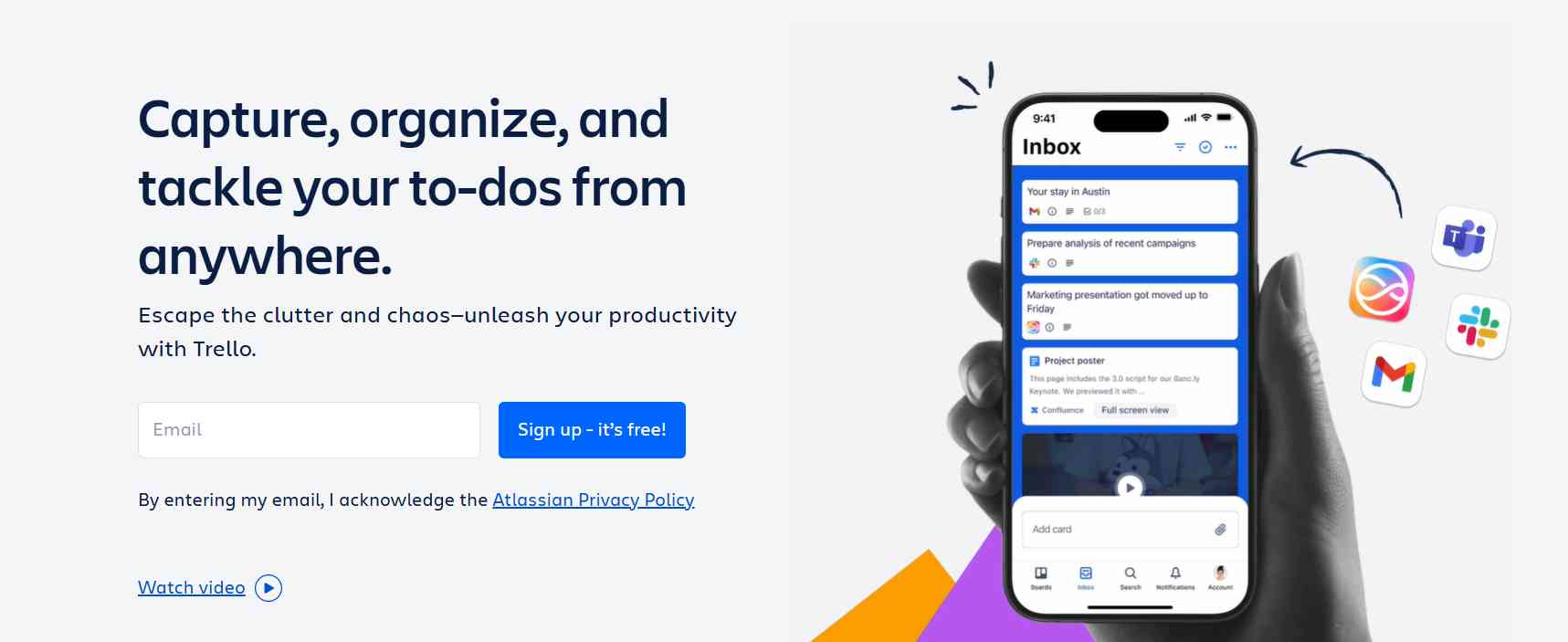
Trello is a simple and intuitive project management tool that uses a Kanban-style board system to organize tasks visually. It is designed for teams that need a lightweight solution to manage projects without dealing with complex features.
The platform allows users to create boards, lists, and cards to track progress and collaborate easily. Trello is especially useful for small teams, freelancers, and beginners who want a straightforward tool to manage their work. While it may not support complex program management needs, it excels in simplicity and ease of use.
Key Features:
- Drag-and-drop Kanban boards
- Task cards and checklists
- Integration with third-party tools
Pricing:
- Freemium (Free plan available)
- Paid plans start from approx. $5/user/month
Pros:
- Extremely easy to use
- Ideal for beginners and small teams
- Free plan available
Cons:
- Limited advanced features
- Not suitable for complex programs
8. Jira
Best for: Agile teams & developers
Jira is a specialized project and program management tool designed primarily for software development teams. It supports Agile methodologies such as Scrum and Kanban, making it ideal for managing development workflows, bug tracking, and sprint planning.
The platform provides detailed insights into project progress through advanced reporting and tracking features. Jira is particularly effective for technical teams that need structured workflows and deep integration with development tools. However, its complexity makes it less suitable for non-technical users.
Key Features:
- Scrum and Kanban boards
- Bug and issue tracking
- Sprint planning tools
- Detailed reporting
Pricing:
- Freemium (Free for small teams)
- Paid plans start from approx. $7.75/user/month
Pros:
- Perfect for developers and Agile teams
- Strong tracking and reporting features
- Integrates well with development tools
Cons:
- Not beginner-friendly
- Can be complex for non-technical teams
9. Notion
Best for: Documentation + management
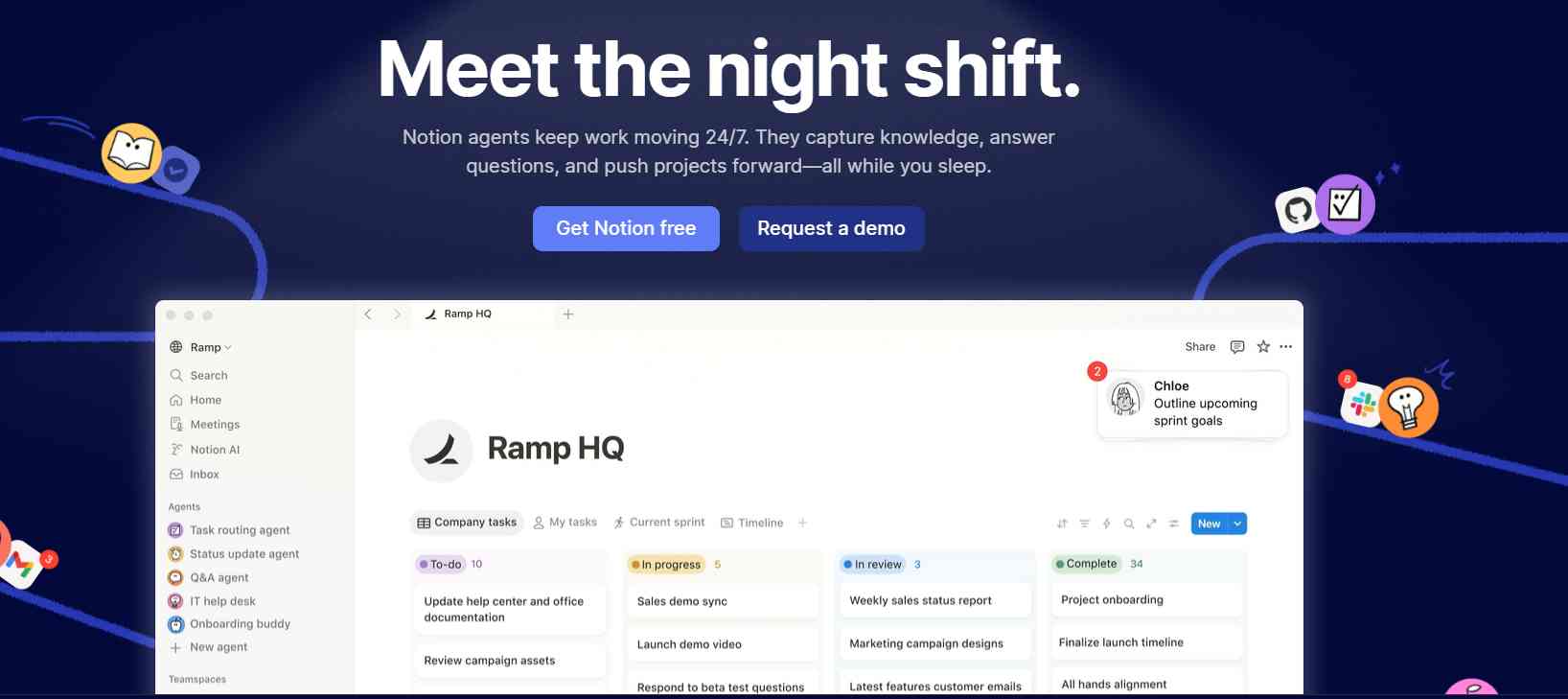
Notion is a flexible all-in-one workspace that combines documentation, databases, and project management into a single platform. It allows teams to create custom workflows, manage tasks, and store information in a highly organized manner.
The platform is ideal for teams that want to centralize their knowledge and workflows in one place. Its flexibility makes it suitable for a wide range of use cases, from content planning to program management. However, it requires some initial setup to fully utilize its capabilities.
Key Features:
- Custom databases and pages
- Collaboration tools
- Templates for workflows and projects
Pricing:
- Freemium (Free plan available)
- Paid plans start from approx. $8/user/month
Pros:
- Highly flexible and customizable
- Great for knowledge management
- Clean and modern interface
Cons:
- Can become complex over time
- Requires setup effort
10. Teamwork
Best for: Client work & agencies
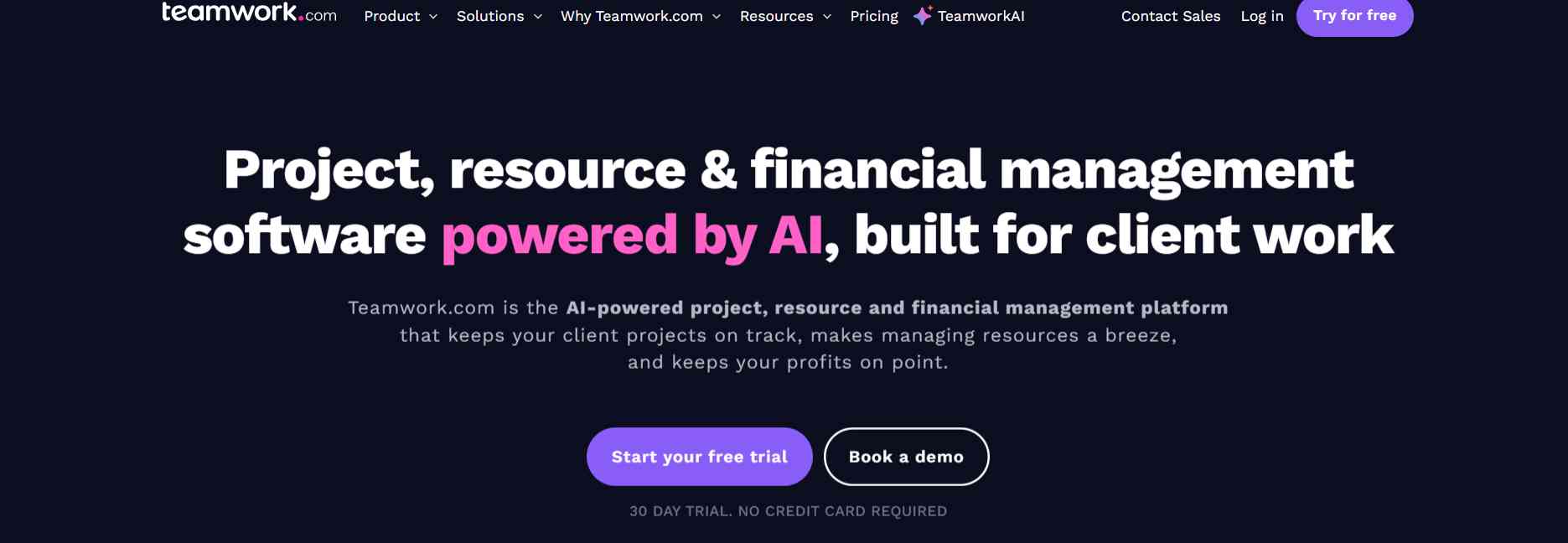
Teamwork is a program management tool specifically designed for teams that handle client projects and need strong collaboration and time-tracking features. It helps agencies manage multiple clients, track project progress, and ensure timely delivery.
The platform offers tools for task management, communication, and billing, making it a comprehensive solution for service-based businesses. Teamwork is particularly useful for agencies that need to balance workloads, track billable hours, and maintain clear communication with clients.
Key Features:
- Time tracking and billing
- Client collaboration tools
- Task and project management
Pricing:
- Freemium (Free plan available)
- Paid plans start from approx. $10/user/month
Pros:
- Ideal for agencies and client work
- Strong collaboration features
- Good time tracking tools
Cons:
- Limited customization options
- Can feel restrictive for advanced workflows
Pricing Comparison of Program Management Tools
|
Tool |
Free Plan |
Starting Price |
Best For |
|
ClickUp |
Yes |
$7/user/month |
All-in-one solution |
|
Asana |
Yes |
$10.99/user/month |
Workflow management |
|
Monday.com |
No |
$8/user/month |
Visual tracking |
|
Wrike |
Yes |
$9.80/user/month |
Enterprises |
|
Smartsheet |
No |
$9/user/month |
Spreadsheet users |
|
Microsoft Project |
No |
$10/user/month |
Traditional PM |
|
Trello |
Yes |
$5/user/month |
Beginners |
|
Jira |
Yes |
$7.75/user/month |
Developers |
|
Notion |
Yes |
$8/user/month |
Documentation |
|
Teamwork |
Yes |
$10/user/month |
Agencies |
Real Cost of Program Management Tools
Program management tools often come with additional costs beyond the base subscription. Understanding these can help you choose the right tool more effectively.
- Per-user pricing increases as your team grows
- Advanced features like automation, reporting, and integrations are often locked in higher plans
- Add-ons or integrations may require extra costs
- Enterprise plans include custom pricing based on requirements
Pro Tip: Always calculate total cost based on team size, not just per-user pricing.
How to Choose the Right Tool
Choose based on:
- Team size
- Budget
- Complexity of projects
- Required integrations
- Ease of use
Example:
- Small teams → Trello, Notion
- Enterprises → Wrike, Microsoft Project
- All-in-one → ClickUp
Benefits of Program Management Tools
Program management tools play a crucial role in helping organizations manage multiple projects efficiently while staying aligned with business goals. Below are the key benefits of using program management tools in any organization:
1. Aligning with Strategic Goals
Program management tools help teams stay focused on the company’s big-picture objectives. They ensure that every project within a program contributes directly to organizational goals, reducing wasted effort and improving overall direction. Leaders can easily track progress and measure how projects contribute to business growth.
- Connects each task to company objectives
- Keeps teams working towards the same goal
- Tracks progress against strategic plans
- Ensures efforts support long-term business goals
2. Enhancing Organisational Productivity
These tools improve efficiency by organizing tasks, setting clear deadlines, and minimizing confusion. Teams can work more effectively with better planning and fewer interruptions. Real-time updates reduce the need for constant meetings.
- Helps teams manage work efficiently
- Reduces delays and repeated work
- Supports better task planning and delivery
- Increases productivity with fewer interruptions
3. Boosting Program Success
Program management tools increase the chances of successful project delivery by providing real-time insights and performance tracking. Managers can identify issues early and take corrective action, ensuring smoother execution.
- Tracks milestones and overall progress
- Highlights issues before they escalate
- Supports clear communication across teams
- Helps complete projects on time
4. Mitigating Risks
With better visibility into timelines, resources, and dependencies, these tools help identify risks early. This allows teams to prepare contingency plans and avoid potential disruptions.
- Flags delays or resource gaps early
- Helps create risk management plans
- Reduces chances of project failure
- Improves accuracy in risk reporting
5. Facilitating Change Implementation
Managing changes becomes easier with program management software. Teams can track updates, adjust workflows, and communicate changes effectively without disrupting progress.
- Tracks changes to timelines or tasks
- Notifies teams of important updates
- Enables faster adjustments
- Helps teams adapt smoothly
6. Optimising Resource Allocation
These tools help assign the right people to the right tasks based on availability and skill sets. This improves efficiency and prevents employee burnout.
- Shows real-time team availability
- Prevents overloading team members
- Matches skills with tasks
- Improves overall resource utilization
What is the Best Program Management Tool for Developers and Why?
For development teams, Jira is often considered one of the best tools. It is specifically designed for agile workflows, bug tracking, and sprint planning.
It also integrates seamlessly with platforms like GitHub and Bitbucket, making it easier for developers to manage code, track issues, and collaborate efficiently within a single system.
Key Features of Program Management Software
Program management tools come with powerful features that help teams stay organized and efficient while managing multiple projects.
- Task and project tracking
- Goal setting and performance monitoring
- Resource planning and allocation
- Reporting and analytics
- Risk management
- Team collaboration tools
These features ensure smooth execution of programs, improve communication, and help organizations achieve better results.
Common Mistakes to Avoid
- Choosing overly complex tools
- Ignoring team needs
- Not using automation
- Skipping training
Who Should Use Program Management Software?
- Project Managers handling multiple projects
- Startups scaling operations
- Enterprises managing complex workflows
- Agencies handling client work
- Remote teams needing collaboration tools
Best Program Management Tools by Use Case
- Best Overall: ClickUp
- Best for Beginners: Trello
- Best for Enterprises: Wrike
- Best for Developers: Jira
- Best for Agencies: Teamwork
- Best for Documentation: Notion
Conclusion
Choosing the right program management software can transform how your team works. From planning to execution, these tools help streamline operations, improve collaboration, and ensure successful delivery of projects.
If you want an all-in-one solution, go with ClickUp. For simplicity, choose Trello, and for enterprise-level needs, tools like Wrike or Microsoft Project are ideal.
Frequently Asked Questions
1. What is the best program management software in 2026?
ClickUp, Asana, and Monday.com are among the best tools.
2. Which tool is best for beginners?
Trello is the easiest to use.
3. What is the difference between project and program management?
Project management focuses on single projects, while program management handles multiple related projects.
4. Is free software available?
Yes, tools like Trello and ClickUp offer free plans.
5. Which tool is best for large teams?
Wrike and Microsoft Project are best for enterprise use.
People are also reading: