
What do you think about how businesses are scaling in 2026? The speed is a must for scaling. Today, companies can’t wait for months to launch a new app or automate a process. Customers want instant results or solutions, and if companies can’t provide them, they are at risk of falling behind. That is why low-code app development platforms are experiencing massive growth.
These platforms allow teams to create powerful applications with minimal coding, relying on:
- Drag-and-drop app builders
- Pre-built components
- Seamless integrations
Simply put, these development platforms make app development without coding possible and practical, even for non-developers. This makes startups and global enterprises lean heavily on rapid application development platforms to:
- Cut costs
- Reduce development timelines
- Empower their teams
According to Gartner, more than 70% of new applications will be built using low-code automation tools by 2026. Whether citizen developers are using low-code tools or professional coders, this movement is reshaping the future of software development for those who want to speed up delivery.
With this, an important question arises: which one is worth your time among enterprise low-code platforms, low-code vs no-code platforms, and top low-code frameworks? Let’s uncover low-code development and, most importantly, the 10 best low-code tools 2026 has to offer.
What is Low-Code Development?
Low-code development is a modern approach to creating applications faster and more accessible. It helps build applications that minimize the need for hand-coding. Instead of writing thousands of lines of complex code from scratch, developers and non-technical users can use:
- Drag-and-drop app builders
- Visual workflows
- Pre-built components
Low-codes help create software in a fraction of the time. In essence, with less technical overhead, low-code app development platforms help applications in their:
- Design
- Test
- Launch
Low-Code vs Traditional Coding
In traditional coding, manual coding is required for everything, like every single:
- Function
- Button
- Integration
This provides highly skilled programmers with:
- Longer timelines
- Higher costs
- Reliance on highly skilled programmers
Whereas, low-code flips that script. These help teams focus more on problem-solving rather than syntax by using drag-and-drop app builders and pre-built templates.
For example, if you want to build a CRM system, it will take you months using traditional coding. But low-code automation tools can help build within weeks by:
- Connecting your database
- Customizing workflows
- Launching a functioning app
Low-Code vs No-Code Platforms
You can get confused between low-code and no-code. But they’re quite different:
|
Feature |
Low-Code Platforms |
No-Code Platforms |
|
Target Audience |
Developers + Citizen Developers |
Non-technical business users |
|
Customization |
High |
Limited |
|
Scalability |
Suitable for enterprise-grade applications |
Best for simple apps & prototypes |
|
Use Cases |
Complex workflows, enterprise apps |
Basic forms, dashboards, small tools |
Both low-code and no-code platforms aim to simplify development. But low-code provides the flexibility and scalability needed for enterprise-level solutions.
Benefits for Different Users
The benefits of low-code and no-code for different users:
- Developers:
- Less grunt work
- Faster delivery
- More time to focus on complex coding
- Businesses:
- Lower development costs
- Quicker time-to-market
- Greater agility
- Citizen Developers:
Makes it possible to build apps without formal coding. It empowers teams across:
- Marketing
- HR
- Operations
We can say that low-code bridges the gap between business needs and technical execution. This makes it one of the most transformative top low-code frameworks in modern tech.
Key Features of Low-Code Platforms
Every platform has its unique features. But there are some common core features in the best low-code app development platforms:
- Drag-and-Drop Interface: Most drag-and-drop builders are visual editors. These help users create applications by simply moving elements around. This reduces the need for writing code, speeding up development dramatically.
- Pre-Built Templates & Compounds: Many platforms provide ready-made:
- Templates
- UI components
- Logic flows
These help speed up projects with ready-made modules for:
- Dashboards
- Forms
- Workflows
- Integration with Databases & APIs: Modern apps can’t operate in isolation. Rapid application development platforms allow seamless integration with:
- Databases
- Popular tools
- CRMs
- Payment systems
- Third-party APIs
- Workflow Automation: Low-code automation helps businesses use logic-based triggers and actions for automating repetitive tasks. This helps improve efficiency while reducing human error.
- Multi-Device Deployment: You have to build the app only once. Then you have to deploy it across different environments, like:
- Web
- Mobile
- Desktop
This makes it easier to reach users wherever they are.
- Scalability & Security:
The best enterprise low-code platforms help you build apps quickly. They also help ensure they scale securely. They provide businesses with peace of mind with features like:
- Compliance controls
- Role-based access
- Robust data protection
- User management
These features make low-code automation tools the backbone of modern enterprise low-code platforms.
Top 10 Low-Code Development Platforms in 2026
There are many low-code development platforms available in the market. It might overwhelm you to choose the right one. So, here’s a curated list of the 10 best low-code tools for 2026. These tools are ranked not only for their popularity, but for their:
- Features
- Scalability
- Use cases
1. Mendix
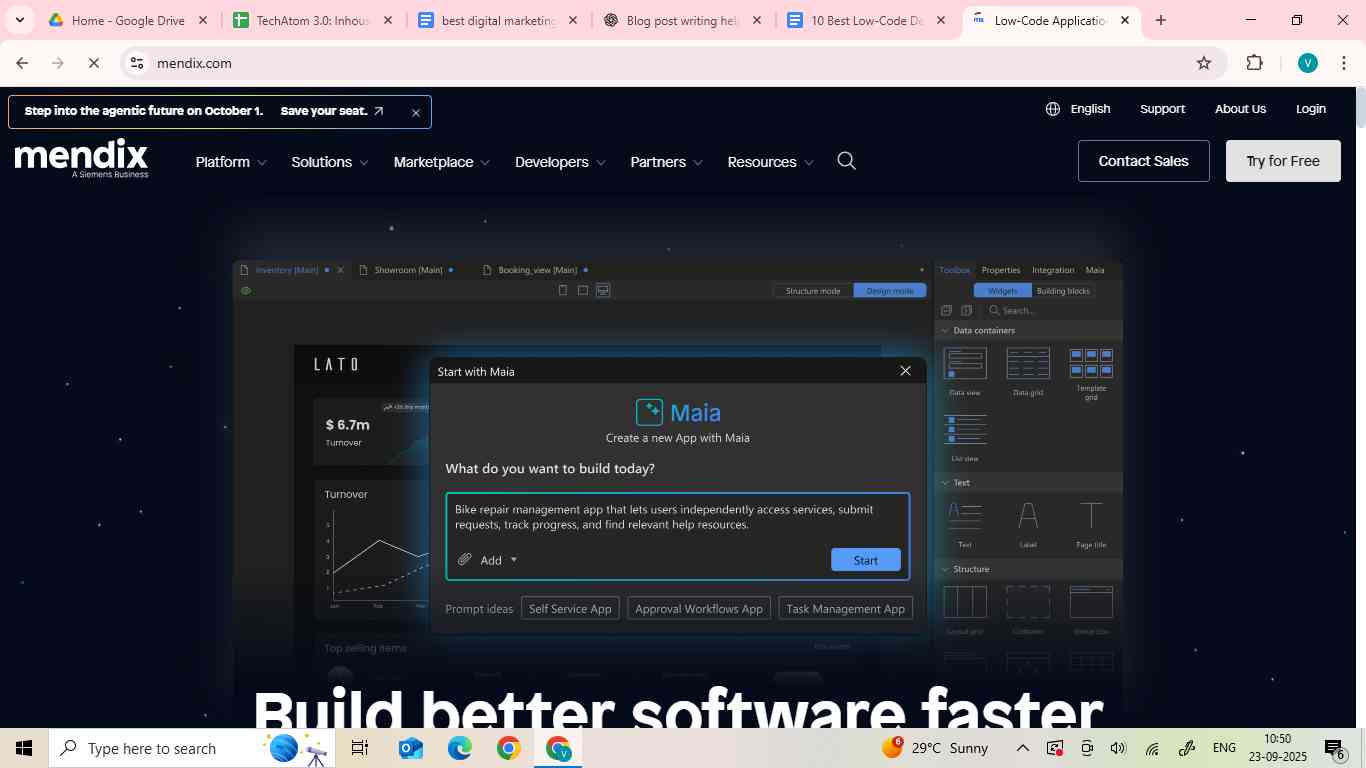
Mendix is a pioneer in rapid application development platforms. It is trusted by enterprises worldwide. Mendix empowers businesses to transform ideas into impactful outcomes. It is built to tackle complex software development challenges. Mendix, a Siemens business, helps enterprises:
- Modernize core systems
- Drive innovation
- Deliver business-critical applications
It enables multi-disciplinary teams to engage across the development lifecycle. For high-impact initiatives, this tool ensures collaboration and alignment. It goes beyond traditional low-code solutions with AI-powered development that:
- Provides guidance
- Enforces best practices
- Optimizes application performance
Enterprises don’t need any expertise in AI, ML, or Gen AI to harness the power of AI to deliver solutions with human-like intelligence, insights, and awareness. Mendix is designed to deliver value across the enterprise and scale seamlessly with a focus on:
- Governance
- Quality
- Enterprise-grade security
Key Features:
- Multi-cloud deployment
- Drag-and-drop visual editor with reusable components
- AI-powered development assistance
- Real-time collaboration tools
Pricing:
|
Free |
Standard |
Premium |
|
|
Jump in & give the platform a try |
Build department-wide business applications |
Build mission-critical core systems |
|
|
One App |
€0/month |
€900/month |
Get a quote |
|
Unlimited Apps |
€0/month |
€2200/month |
Get a quote |
Best Use Cases:
Great for large organizations building scalable, customer-facing applications.
2. OutSystems
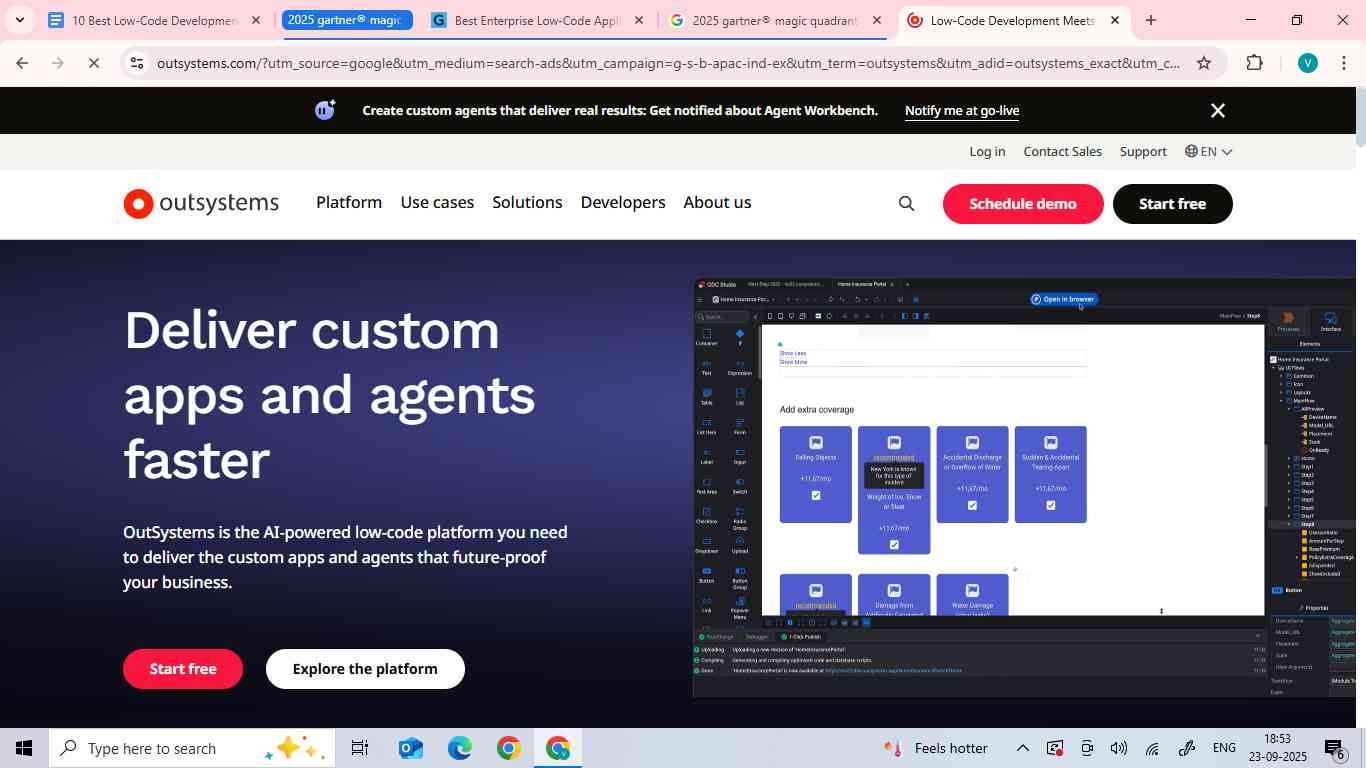
OutSystems provides a high-performing low-code platform. This platform caters to the application development requirements of numerous organizations worldwide. It helps deliver custom apps and agents that future-proof your business. It streamlines development and fosters innovation by merging:
- Design
- Coding
- Deployment
It allows organizations to build a wide range of applications, both customer-oriented and internal business applications. OutSystem’s unique solution:
- Integrates minimal coding with enhanced mobile capabilities
- Facilitates visual development of comprehensive application portfolios
- Ensures smooth integration with pre-existing systems
The global offices of this company specialize in helping businesses transform faster.
Key Features:
- Integrate with existing tech stack
- Build fully custom apps and agents
- Manage and evolve in one platform
- AI-powered assistance
- Reusable modules
Pricing:
Starts at $36,300 per year.
Best Use Cases:
- External apps
- Core systems
- Internal apps
3. Microsoft Power Apps
Microsoft makes digital transformation possible for the era of an intelligent cloud and an intelligent edge. Microsoft Power Apps is a low-code development tool within Microsoft Power Platform. It allows users to build custom web and mobile applications rapidly. It enables citizen developers and professional developers to create apps without any extensive coding by using its drag-and-drop feature. It connects to various data sources, like:
This tool empowers businesses to transform manual operations into digital ones. AI and custom code can be used for advanced functionality.
Key Features:
- AI-powered development
- AI-infused applications
- Enterprise-grade governance
- Custom code development
- Connected, secure data
- Robust mobile apps
Pricing:
|
Developer Plan |
Power Apps Premium |
|
Free |
₹1665 per user/month |
Best Use Cases:
- Finance
- Sales and marketing
- Human resources
- Operations
- Frontline workers
4. Appian
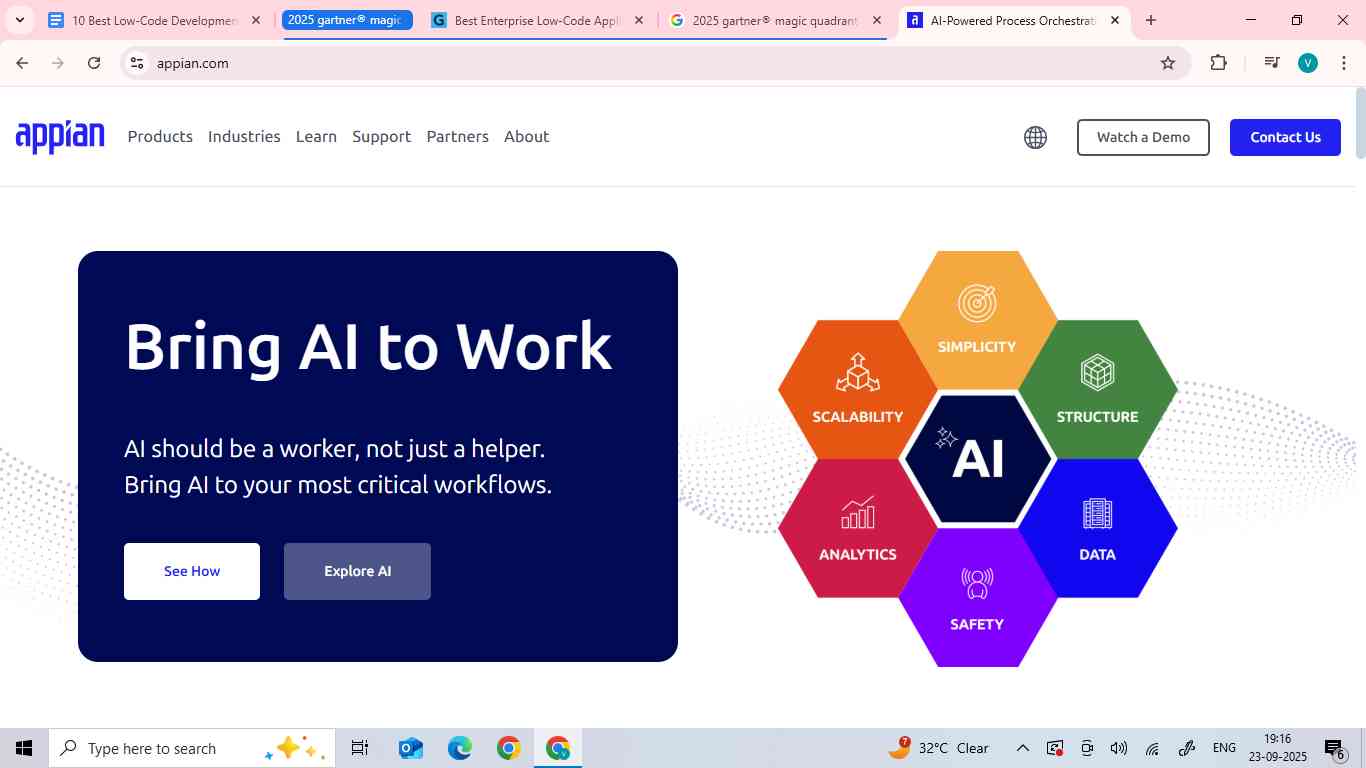
Appian is a software company that automates business processes. It helps organizations:
- Run better processes
- Reduce costs
- Improve customer experiences
- Gain a strategic edge
It is an AI Process platform that has everything needed to design, automate, and optimize from scratch to the end product. It is trusted by the world’s most innovative organizations to:
- Improve their workflows
- Unify data
- Optimize operations
This results in better growth and superior customer experiences. It is a great development as well as a technology partner.
Key Features:
- Business process management (BPM)
- AI/ML integration
- Strong security
Pricing:
It includes a standard plan at $75/user/month for unlimited apps.
Best Use Cases:
- Financial services
- Insurance
- Public sector
- Life sciences
5. Zoho Creator
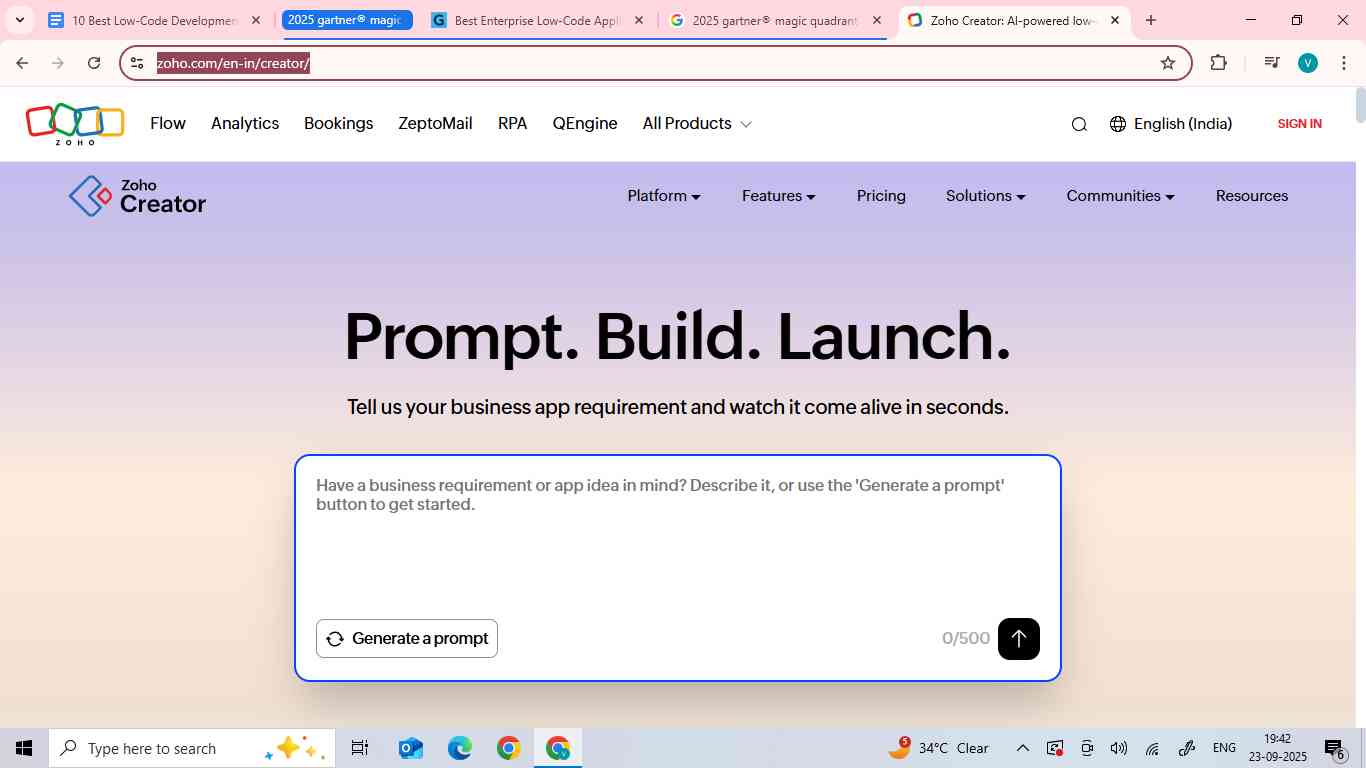
Zoho Corporation is a privately held software company. It focuses on delivering solutions to help businesses grow. The company has a portfolio of more than 55 products, which are used by over 100 million people worldwide. It is designed to cater to varying business requirements, such as:
- Sales
- Marketing
- Support
- Collaboration
- Finance
- Recruitment
Zoho concentrates on creating digital tools while strictly adhering to user privacy. For both paid and free products, it does not rely on an ad-revenue model.
Key Features:
- Drag-and-drop builder
- 600+ integrations
- Mobile-ready apps
- Real-time conversational analytics
- Automate processes visually
Pricing:
|
Stanbdard |
Professional |
Enterprise |
Flex |
|
₹480 |
₹1200 |
₹1500 |
Customizable |
|
/user/month billed annually |
/user/month billed annually |
/user/month billed annually |
|
|
Create your first app |
Create apps for a team or an enterprise |
Create core software solutions for organizations |
Tailored plan for custom requirements |
Best Use Cases:
- Internal tools
- Portals
- Core systems
- Extend Zoho Apps and third-party applications
6. Salesforce Lightning Platform
Salesforce is a company that integrates artificial intelligence with customer relationship management and data. It helps create solutions for customer-related concerns. Its primary business problem is to improve the integration of businesses and customers by leveraging technology.
The “Salesforce Lightning program” is not only a single program. Instead, it refers to the entire Salesforce Lightning Experience. It is a component-based user interface framework. This platform is a set of tools designed to create modern, responsive, and interactive applications on the Salesforce platform. It uses the Lightning Component framework to build smaller components. These components are assembled by developers to create user interfaces, offering benefits like:
- Component reuse
- Easy extensibility
- Responsive designs for mobile
- Integrated AI features
These user interfaces will help users discover insights and automate tasks.
Key Features:
- Seamless Salesforce integration
- AI-driven insights
- Robust APIs
- Component reuse
- Mobile-first design
- No code automation
- Improved user experience
Pricing:
|
Starter Suite |
Pro SUite |
Enterprise |
Unlimited |
Agentforce 1 Sales |
|
$25/user/month |
$100/user/month |
$175/user/month |
$350/user/month |
$550/user/month |
|
Simple CRM suite with marketing, sales, & service |
Enhanced cRM suite with even more marketing, sales, service, & commerce tools |
CRM for sales with more flexibility & web API |
CRM for sales with intelligent automation & developer support built-in |
Complete sales CRM with built-in AI and unified data. One platform that does it all |
Best Use Cases:
- E-mail, in-app, or Slack notifications
- Custom guided experiences
- Fast field updates on the triggering records
- Complex validations
- Automations that run on a cadence
7. Quick Base
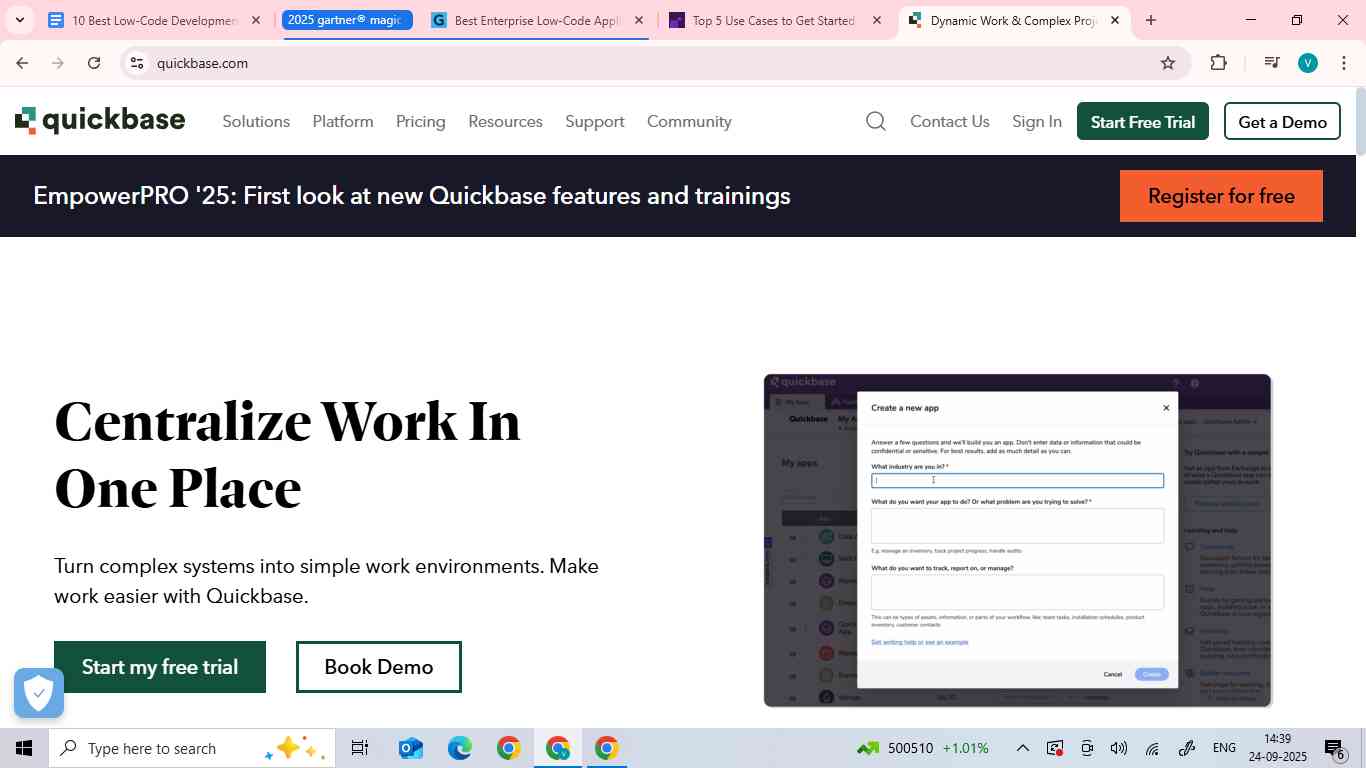
Quickbase is built for Dynamic Work Development. It empowers more than 12,000 global organizations. It helps organizations by bringing together people, process, and data into one centralized location.
It is a cloud-based, low-code platform. It helps build custom applications and automate processes with minimal coding for quick development of apps by using visual, drag-and-drop tools. It empowers both business users and professional developers to create solutions for complex problems across diverse industries. It also offers a unique database engine for:
- Data management
- Integration with other systems
- Robust governance for secure application development
Key Features:
- Real-time reporting
- Process automation
- Strong governance
- Visual interface & tools
- Custom application & workflow development
- Data integration
Pricing:
|
Free Trial |
Team |
Business |
Enterprise |
|
$0, free for 30 days |
Starts at $34 per user/month, priced annually |
Starts at $55 per user/month, priced annually |
Fully customizable |
|
Discover the benefits of Quickbase before starting |
Make teamwork faster, easier, & more secure |
Connect people & tools effortlessly |
Optimize operations across the organization |
Use Cases:
- Product & services delivery and installation
- Compliance management
- Resource management
- Project management
- Field service
- Portfolio management
- Supply chain
- Workflow management
- Contract management
- Process improvement
- Budget & financial management
- CRM & sales
8. Nintex
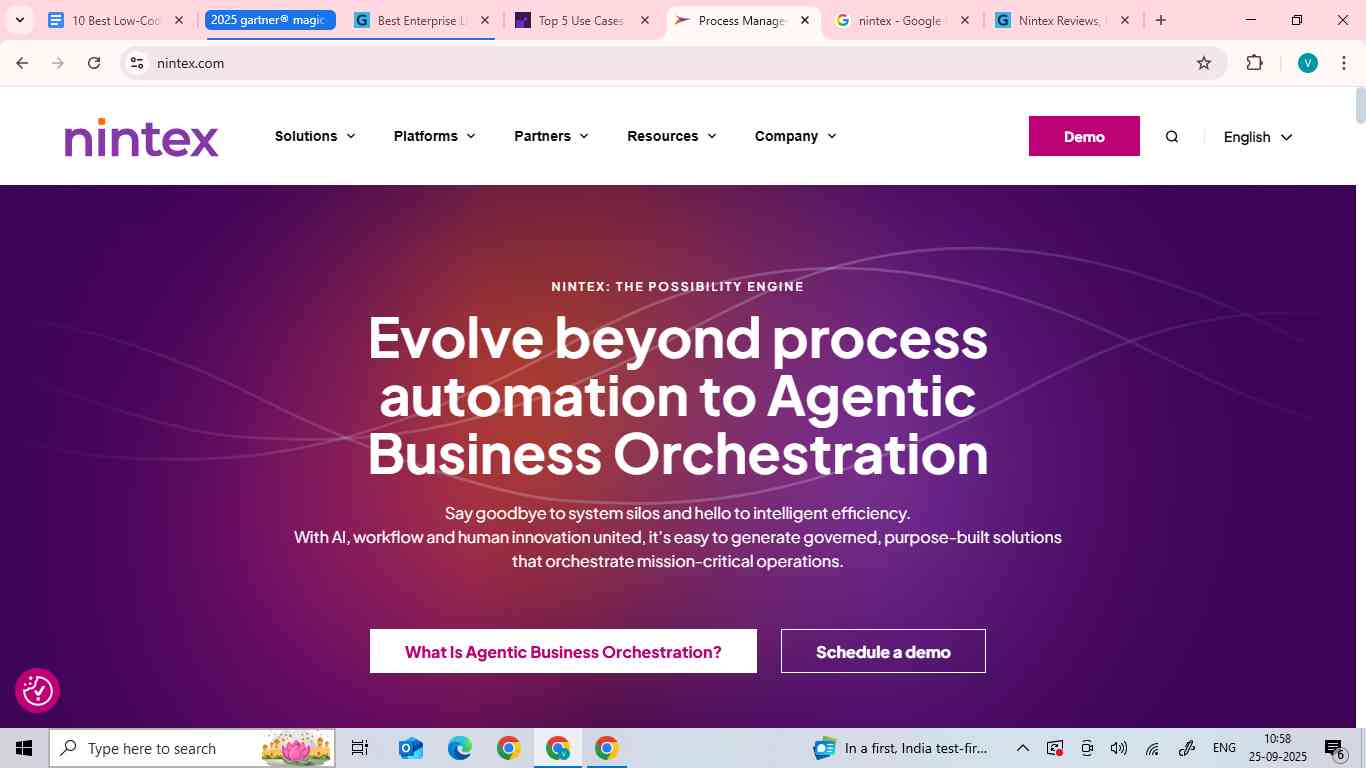
Nintex is a process management and automation software platform. It helps businesses streamline and optimize their workflows without any extensive coding. It focuses on automating repetitive, manual tasks. This helps organizations improve their productivity and efficiency.
It helps businesses evolve beyond automation to Agentic Business Orchestration. It makes organizations discard system silos and gain intelligent efficiency. With AI< workflow and human innovation united, it makes it easy to generate governed, purpose-built solutions that orchestrate mission-critical operations.
Key Features:
- Low-code automation
- E-signatures
- Robotic process automation (RPA)
- Cut through SaaS sprawl
- Discover multi-system orchestration
- Create and execute with agents
- Plan and innovate with confidence
Pricing:
It has custom pricing.
Best Use Cases:
- Remote education automated services
- Loan processing
- Quote to cash
- Reduce operational risk
9. Kissflow
Kissflow is a low-code and no-code platform for businesses to create custom applications and automate workflows without the need to write complex code. It is the only platform that is built for multiple personas. It provides an intuitive, drag-and-drop interface for business users and IT teams. It helps streamline internal operations by helping people build process, case, and project management applications. It has a simple user interface. It is trusted by leading brands across the world.
Key Features:
- Low-code & no-code tools
- AI co-pilot
- Workflow automation
- Case and project management
- Customizable forms & templates
- Integrations & APIs
Pricing:
|
Basic |
Enterprise |
|
Limited features |
Custom features |
|
Starts at $2,500/month |
Custom pricing |
Best Use Cases:
- Application development
- Product management
- Case management
- BPM software
- Workflow management
- Citizen development
- Digital transformation
- Application Modernization Platform
- Lotus Notes migration
10. Retool
Retool is a developer-first platform for building business software, like:
- Internal tools
- Client portals
It helps build software much faster than traditional programming. Developers who build internal tools have a less glorious job than those building unique and creative customer-facing user interfaces. Most internal tools are built using and reusing the same small selection of components and functionality, mostly:
- Buttons
- Table
- Forms
- Inputs
They focus on utility over beauty. This made Retool, released in 2017, for helping developers build internal web applications faster. This helps do so by reducing the need to constantly rebuild the same components, while still maintaining the full flexibility of code. It helps build internal tools better with AI.
Key Features:
- Backend: integrations & a built-in interface
- Frentend: UI builder designed for developers
-
Workflows: automate with code building blocks
-
Infrastructure: Enterprise-grade security & engineering best practices
-
Client portals: embed or host customer-facing apps
Pricing:
|
Free |
Team |
Business |
Enterprise |
|
|
Per standard user fee |
$0/month |
$10/month |
$50/month |
Flexible |
|
Per end-user fee |
$0/month |
$5/month |
$15/month |
Flexible |
|
For developers & early exploration |
For growing collaborative teams |
For teams that need more control |
For teams & orgs operating at scale |
Best Use Cases:
- Customer notification system
- Customer support dashboard with Airtable
- Aggregate & explore media assets
- Discount approval tool
- Transportation logistics tracker
- Event management tool
- Food delivery tracker
- Experiment tracking tool
- Shipment processing dashboard
- Inventory management dashboard
- SLA dashboard
Choosing the Right Low-Code Platform
With so many low-code app development platforms available in 2026, choosing the right one depends on your:
- Goals
- Team
- Budget
Here’s how to decide:
- For Startups & Small Businesses
- Look for simplicity
- The platform must be affordable
- Best picks:
- Zoho Creator
- Kissflow
- Ideal for quick apps and workflows without coding.
- For Companies in Specific Ecosystems
- Tools must integrate with your existing stack.
- Best picks:
- Microsoft Power Apps (perfect for Microsoft 365 users)
- Salesforce Lightning Platform (Built for Salesforce-based businesses)
- For Enterprises
- Focus on:
- Scalability
- Governance
- Security
- Best picks:
- Mendix
- OutSystems
- Appian
- Designed for:
- Complex workflows
- Compliance
- Enterprise-wide use cases
- Focus on:
- For Citizen Developers
- Look for platforms with:
- Intuitive interfaces
- Pre-built templates
- Best picks:
- Kissflow
- Zoho Creator
- Quick Base
- Enables non-technical employees to build apps easily.
- Look for platforms with:
- For IT Teams & Developers
- Choose rapid application development platforms with customization options.
- Best picks:
- Retool
- OutSystems
- Great to build advanced apps while reducing coding time.
Benefits of Low-Code Development
The rise of low-code automation tools is not an accident. They bring tangible advantages for:
- Businesses
- Developers
- Non-technical teams
- Faster Time-to-Market:
With rapid application development platforms, apps can be launched within weeks instead of months.
- Cost Savings:
These tools help businesses reduce dependency on large developer teams, while still getting high-quality apps.
- Agility:
Low-code lets companies quickly adapt to customer or market shifts. These platforms help do so by rolling out updates and new apps on demand.
- Empowering Citizen Developers:
Citizen developers can build solutions themselves using low-code tools or drag-and-drop builders. These tools have removed IT blockages.
- Improved Collaboration:
IT and business teams can work side by side on the same platform, bridging communication gaps.
- Scalability:
Many enterprise low-code platforms grow with your business. They support everything from small apps to enterprise-wide systems.
- Innovation:
These platforms free up professional developers to focus on advanced features.
Limitations of Low-Code Platforms
Low-code is powerful, but it still has drawbacks. Before diving in, businesses should know about the potential challenges:
- Limited Customization:
Low-code works great for most use cases. But it is not ideal for highly complex, bespoke applications. These apps may still require traditional coding.
- Vendor Lock-In:
Once you build apps on a specific platform, it will be difficult and costly to migrate to another platform.
- Scalability Issues:
While enterprise low-code platforms scale well. But smaller tools might struggle with large, complex workloads.
- Learning Curve for Advanced Features:
Drag-and-drop builders are simple. But mastering advanced integrations and APIs still requires technical skills.
- Hidden Cost:
Many low-code platforms start cheaply. But enterprise features can quickly raise the price.
Conclusion
Low-code is no longer a trend, but a necessity in 2026 and the future of application development. Businesses everywhere are embracing app development without coding to stay competitive:
- Citizen developers using low-code tools
- Enterprises scaling mission-critical applications
In 2026, the demand for low-code app development platforms and rapid application development platforms will accelerate as businesses strive for agility and innovation. Use of the best low-code tools in 2026 can help companies save time, cut costs, and empower teams across every department.
The future is about speed, collaboration, and quality. Low-code app development platforms are the engines driving that future. These give you the power to innovate, scale, and compete in today’s fast-moving digital landscape. The question is: which of these best low-code tools 2026 will you choose to transform your ideas into reality?
Frequently Asked Questions
1. How does low-code differ from no-code?
Low-code platforms enable both professional and citizen developers to build apps using visual tools, with the option to add custom code. No-code tools are entirely code-free and are designed mainly for non-technical users.
2. What is the best low-code platform for enterprises?
The best enterprise low-code platforms in 2026 are:
- Mendix
- OutSystems
- Appian
3. Are low-code platforms secure for large-scale apps?
Yes, most leading low-code platforms provide enterprise-grade security, such as:
- Encryption
- Access control
- Regulatory compliance
4. Do low-code platforms support mobile app development?
Yes, many low-code app development platforms allow multi-device deployment. So, you can build apps once and launch them on:
- Web
- iOS
- Android