
Blogging remains one of the most powerful ways for sharing thoughts, building authority, and creating opportunities online. A blog is a platform that takes you from personal diaries to professional resources. Blogs have adapted to meet the needs of today's digital audience, offering influencers and, creators a chance to grow, raise their voices and reach people globally.
Why is starting for free a good option for beginners?
For beginners, one of the smartest strategies is to start with free blogging. Launching without any financial commitment allows you to explore all kinds of niches and also, helps you test your writing style and gain your confidence as a content creator.
Starting with a free blog, you have a very low-risk entry point in the industry, and it also gives you freedom to learn the ropes while focusing on all kinds of creative and audience-building. In 2026, these blogging sites will offer you far more than they did a few years ago. With building SEO features, social searching tools, and even monetization options, you can create professional-looking blogs without spending a penny on them. All you need to be while writing a blog is consistent, passionate, and you should choose the right platform.
10 free blogging platforms (2026)
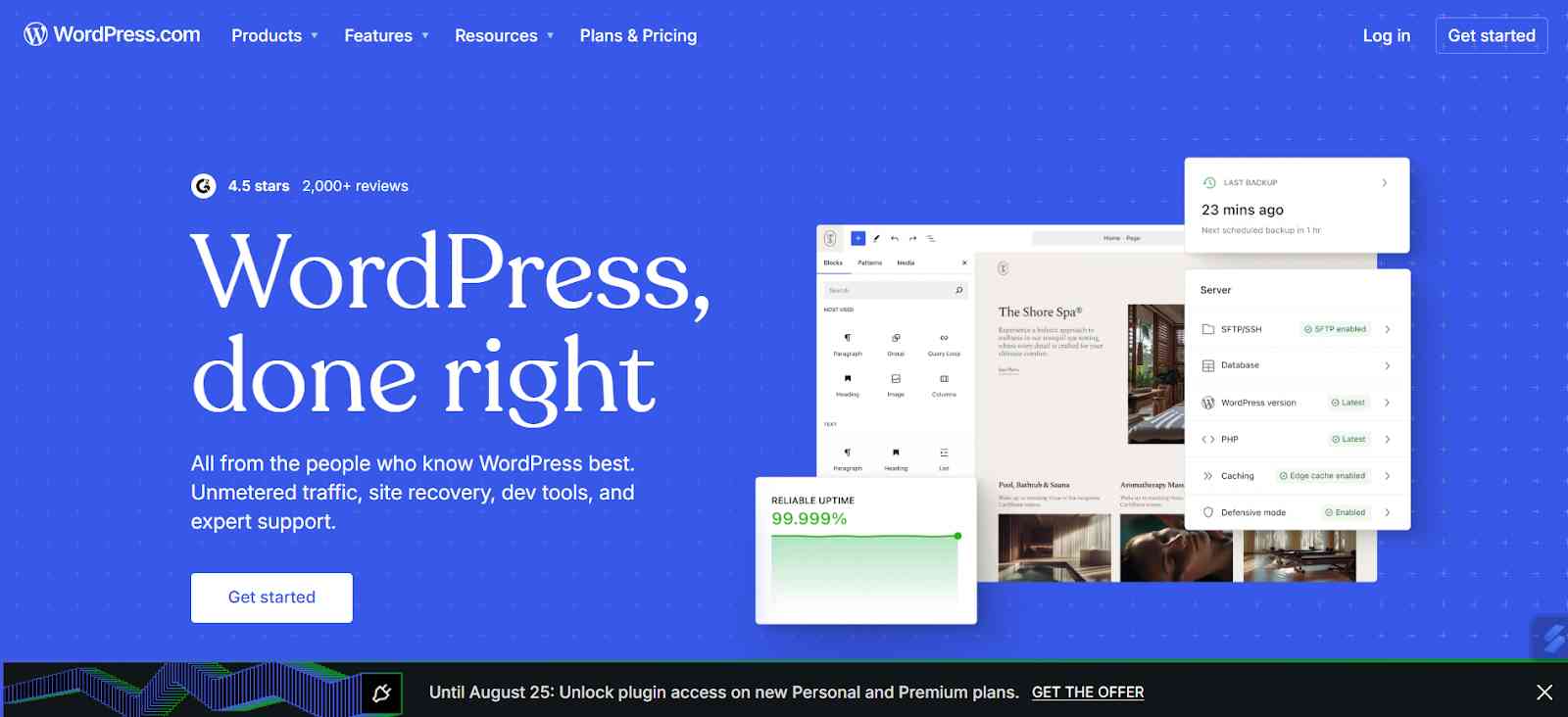
- WordPress.com: WordPress is one of the leading choices for bloggers. WordPress is a platform that is very simple, and the interface is very beginner-friendly. You don't have to research or need to know anything prior to using WordPress. On the free platform, you can get hosting, a subdomain, and access to a wide range of customization themes. WordPress provides a very smooth path to upgrade and learn more about content creation, which helps you grow in the future.
Features:
- Plugin support is available on this platform.
- Custom domain support or domain mapping is also there.
- Built-in security, spam protection, and an SSL certificate will be provided on this platform.
- Manage the hosting like this platform's handles, server setups, management, backup, security, and updates.
- Tiered plans and locking the features like monetisation, SEO, tools, and many more.
Pros:
- It is considered to be very low maintenance as you don't have to worry about the server security, backups, and updates.
- Good for any beginners as it has easy onboarding.
- New AI builder adds built-in site creation for any user who wants to move on to something quick.
Cons:
- On lower tiers, you cannot install custom plugins.
More expensive than a typical shared hosting.
Pricing:
- The free plan consists of basic features.
- Personal $48 per year.
- Premium $96 per year.
- Business $300 per year.
- Commerce $540 per year.
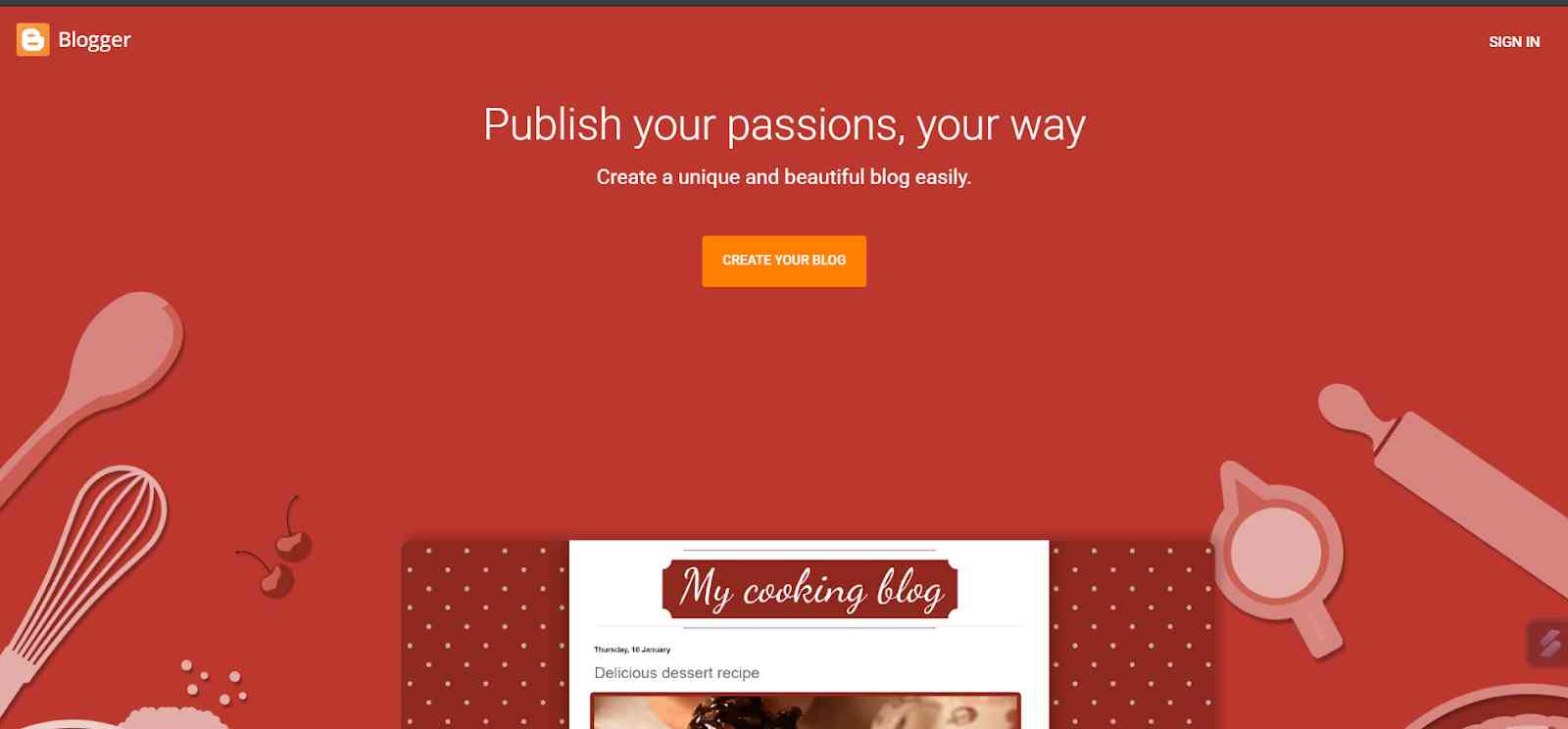
2. Blogger: Blogger is a platform which is originally owned by Google. It has been around for years and still considered one of the reliable options for beginners. Its biggest strength is simplicity. With just a few clicks, you can set up a blog, choose a theme, and start publishing. This is a platform that requires more technical knowledge
Features:
- A simple plugin publishing system with post editor, themes, templates, gadgets, widgets, and integration is provided.
- Integration with any Google ecosystem, like Analytics or Google Account, can be easily done.
- Basic stats like traffic and views are already built in.
- Custom domain mapping is also there.
- You can map your own domain very easily. It is completely free to use.
Pros:
- There is no subscription required.
- Easy, quick to set up.
- Good for any hobby bloggers or any personal journalists with minimal cost.
Cons:
- It has very limited customisation.
- Lack of strong support and help resources.
Pricing:
It is completely free.
3. Wix: Wix is a website that offers you a drag-and-drop website builder. It allows you to create visually appealing blogs without any coding experience. The free plans include the hosting and a Wix-branded subdomain.

Features:
- The drag and drop feature is available.
- Templates optimisation for training various user cases.
- E-commerce supports certain platforms. Blogging features like posts, categories, tags, and ratings are also provided. Hosting is included.
- SSL performance optimisation.
- App marketplace and extensions for any kind of extra feature you need if you need.
Pros:
- It is a very beginner-friendly design for straightforward use without any knowledge of coding.
- All-in-one hosting domain platforms.
- It is flexible with any kind of templates and apps for different website types.
- It is considered to be good for small businesses.
Cons:
- Custom plans, customisation of some features may be limited.
- The performance may lack for large content if not well optimised.
Pricing:
- Free plans available.
- Paid plans start from $17 per month to $36 per month.
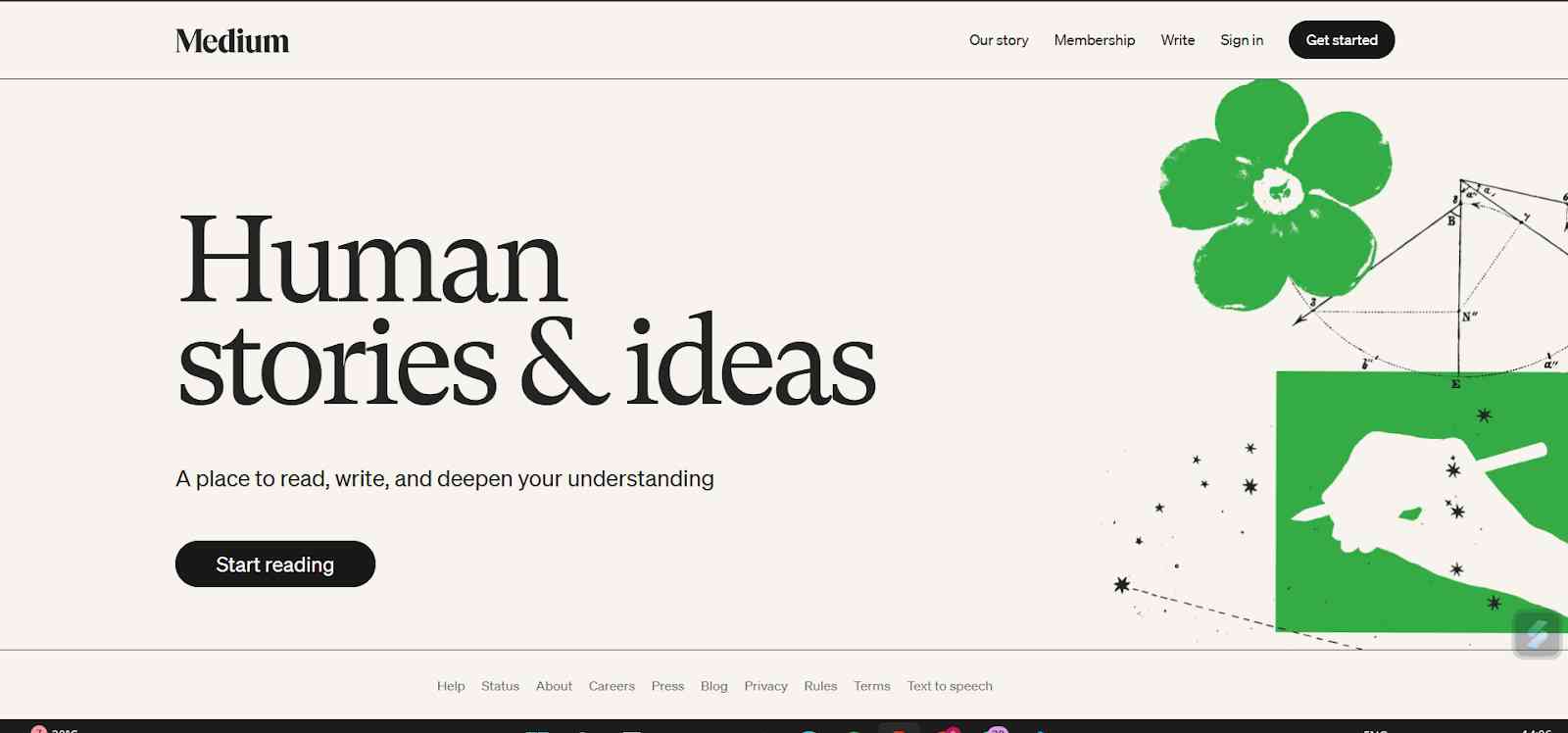
4. Medium: Medium is particularly designed for writers who want to focus on content rather than any kind of website management. It provides you with a clean, distraction-free interface and which makes it very easy to publish articles without worrying about any kind of technical skills or coding touchdown.
Features:
- Clean and minimalist writing editor interfaces are provided.
- Easy publishing for any long-form content and embedded media if you want.
- There is a built-in commenting, claps, or any social address.
- Membership partner programs are also available if you want to own as a writer.
Pros:
- No hosting or maintenance required queries.
- You just need to write and publish. It is very easy to start.
- It has a very minimal setup.
- Monetisation fails when you have partners programs without reading any of your own backend.
Cons:
- You don't know the platforms.
- You don't know if the platform has control over any design issues, if needed. Monetisation depends on the median rules and algorithms.
Pricing:
- It is free to publish without any limitations.
- Median membership is there.
- The price is $5 per month.
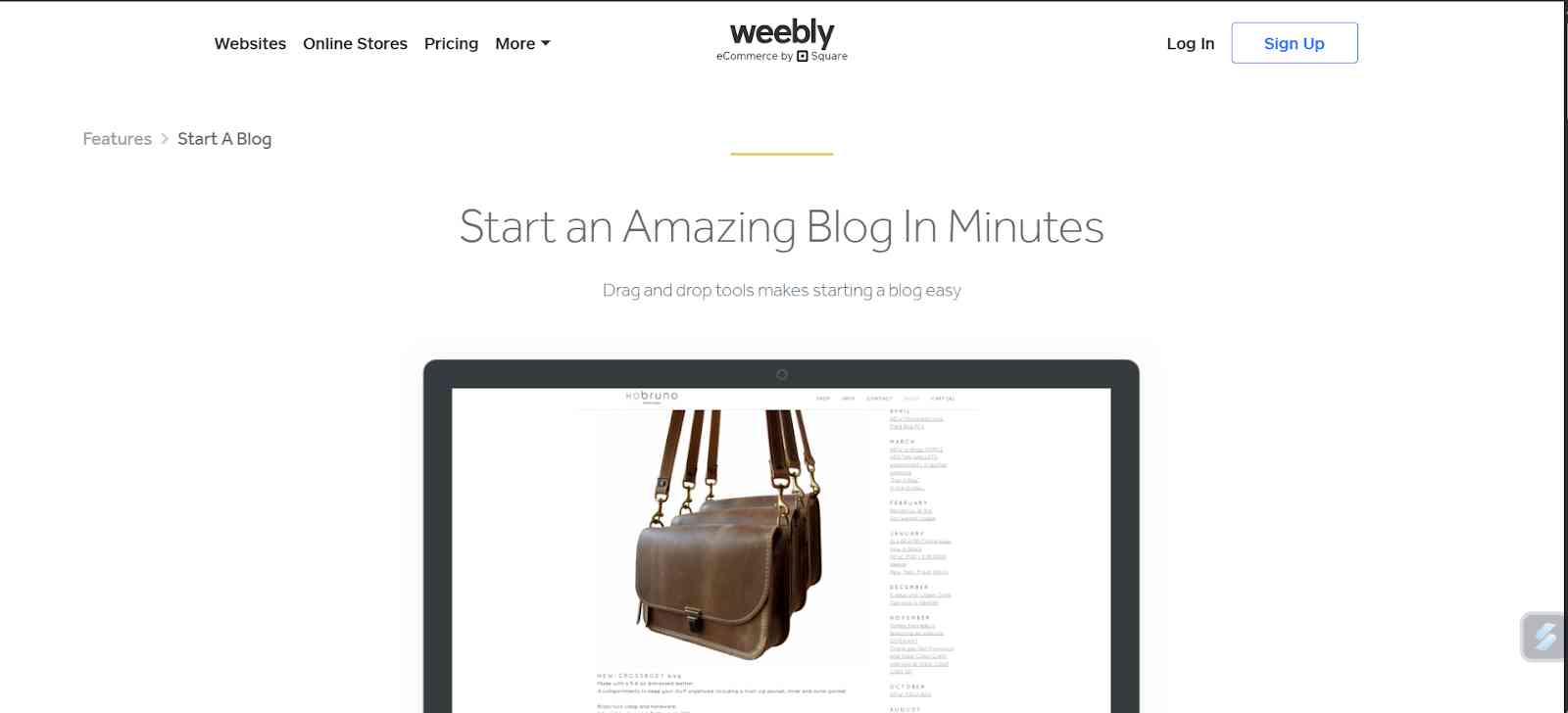
5. Weebly: Weebly is another user-friendly website. It also allows you to upload and allows you to design a blog. On a free plan, you can get a subdomain with SSL security through a basic feature. One of the basic advantages is to provide features like gallery font and even small online stores on the free plans. Although it is less popular as compared to Wix or WordPress, Weebly's simplicity is an excellent point to start for beginners. Weebly's features include both blogging and light website features.
Features:
- It provides you with a drag-and-drop website, blog builder.
- Templates, responsive themes are also there.
- Hosting, SSL, and domain support are also provided.
- If you want to have a mobile app for site management, it is also there.
Pros:
- Easy to use, quick to deploy a blog for a site.
- All-in-one platform with hosting and builder included, and very beginner-friendly.
Cons:
- Integration with Square for payment.
- It is considered to be less flexible but powerful than WordPress.
- The free plan has limitations.
Pricing:
- Free plans are available.
- Paid plans start around $6/month.
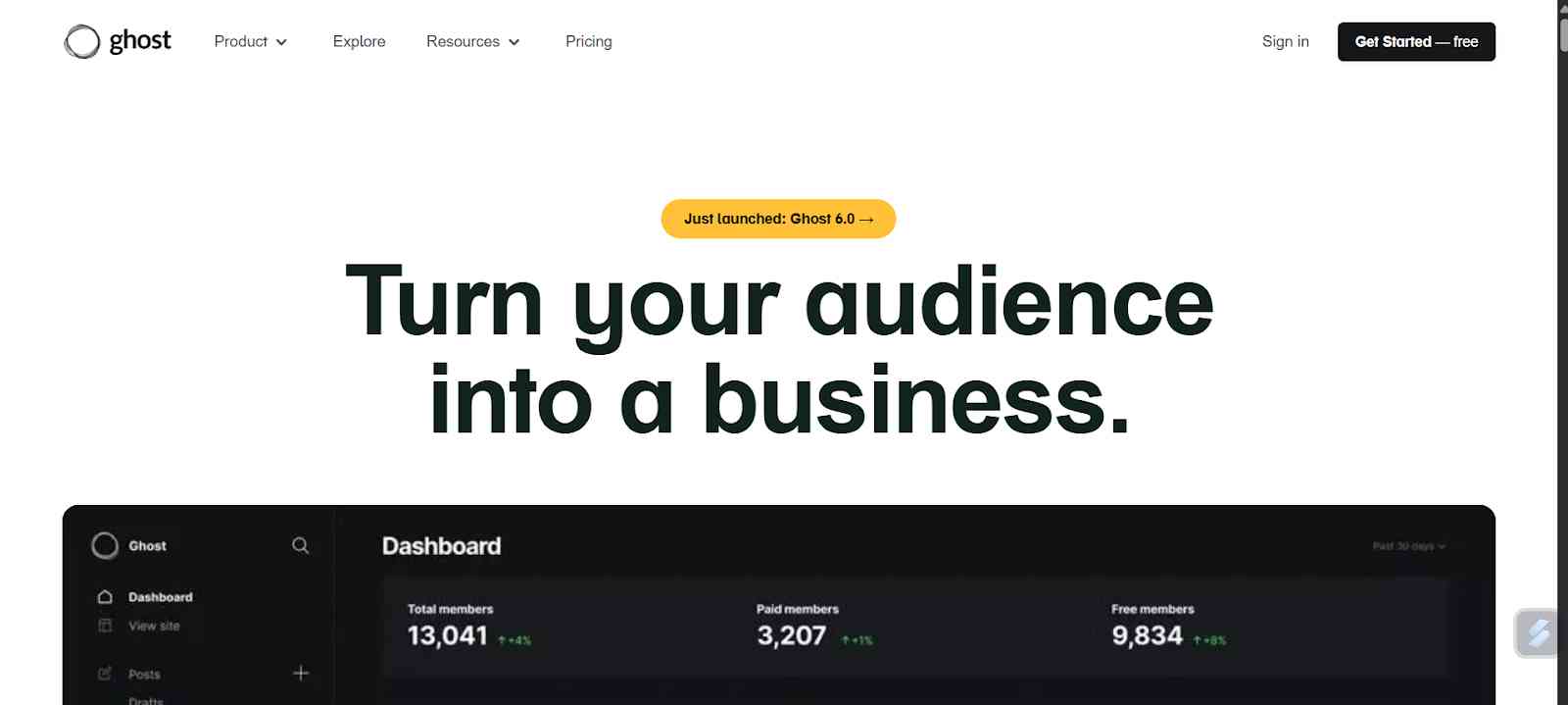
6. Ghost: Ghost is a platform that is specifically designed for publishing and professional blogging. Traditionally, it is a self-hosted solution, which requires some technical setup. However, in 2026, many hosting providers now offer free TOS, which makes it more accessible for the users, beginners.
Features:
- Mobile platforms that focus on publishing, newsletters, membership, subscription, model built in.
- Built-in email newsletters and email sendings are available.
- Custom themes, full control over any kind of code, is a self-hosted version.
- Automating backups, SSL, and security for any hosted hosts are there.
Pros:
- Designed for creators or publishers wanting to monetise their work, membership, or any kind of subscription.
- Keep all your revenue like Ghost, which means Ghost is not going to cut any kind of setups.
- More flexible ownership is provided. Cleaner, more platform-oriented system.
Cons:
- Self-hosting requires technical setups like Silver in NDNS.
- A smaller plugin ecosystem compared to WordPress.
Pricing:
- Startup, $18 per month.
- Publisher, $29 per month.
- Business, $499 per month.
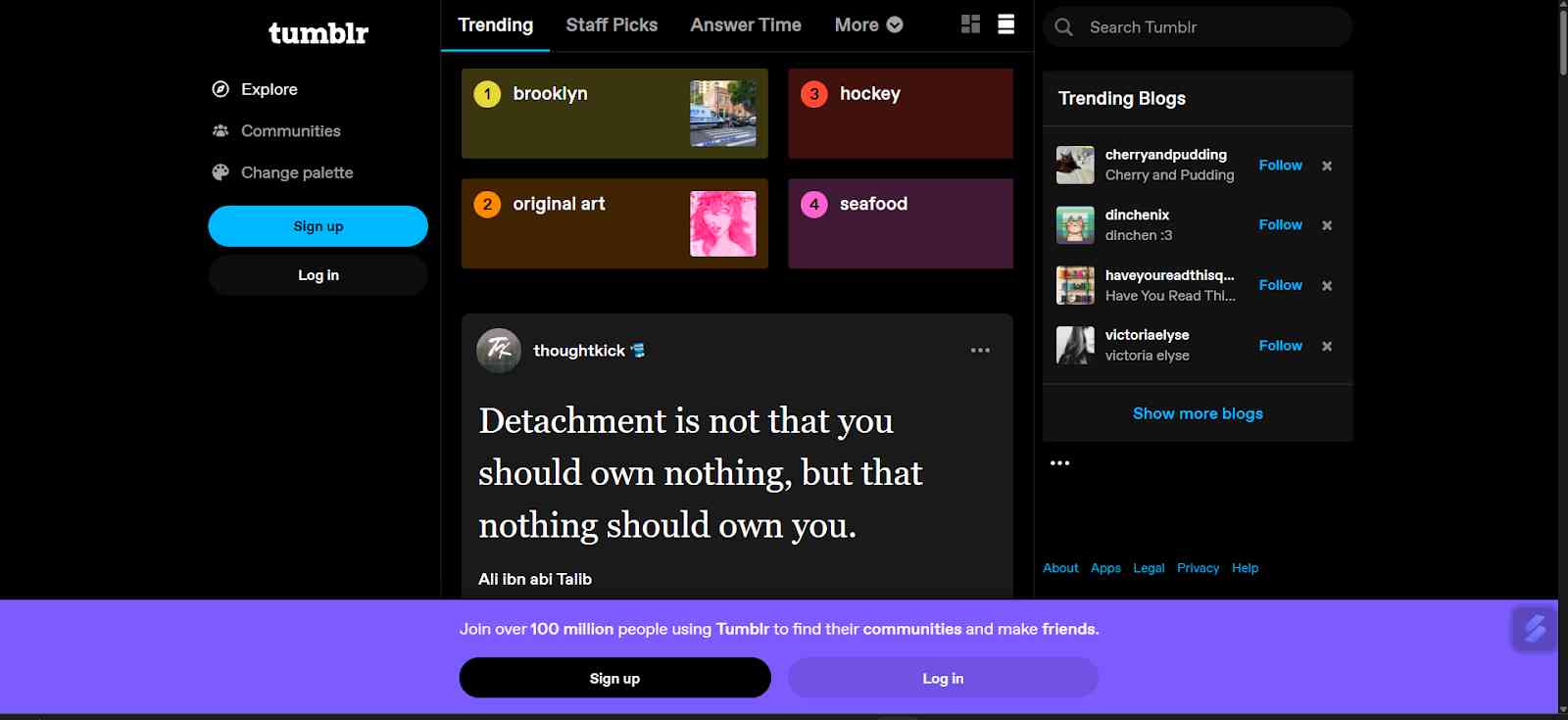
7. Tumblr: Tumblr is a well-known blogging site. It contains micro-blogging with any kind of social networking, creating a community-driven environment. It is great for short posts, images, and GIFs, or content, creative content. Tumblr allows new bloggers to quickly connect with the communities around a specific interest. short-form content and connecting specifically.
Features:
- Microblogging and also quantum sharing, like GIF images, are provided on this black side.
- Mobile apps and a built-in community are there.
- Tagging and discriminatory tag dashboard fields are available.
- There are a lot of features, like social features, blogs, slides, and callers.
Pros:
- Very simple and social when it comes to writing and blogging.
- No significant technical overload is required, as it is very easy to use.
- Built-in user, audience, and network effects are there.
Cons:
- Limited control and ownership will be provided.
- Platforms will be applying many kinds of rules.
- It may not scale well for content-heavy professional users.
Pricing:
Free to use with a separate domain *.tumbler.com. To use the custom domain, you have to purchase the tools separately.
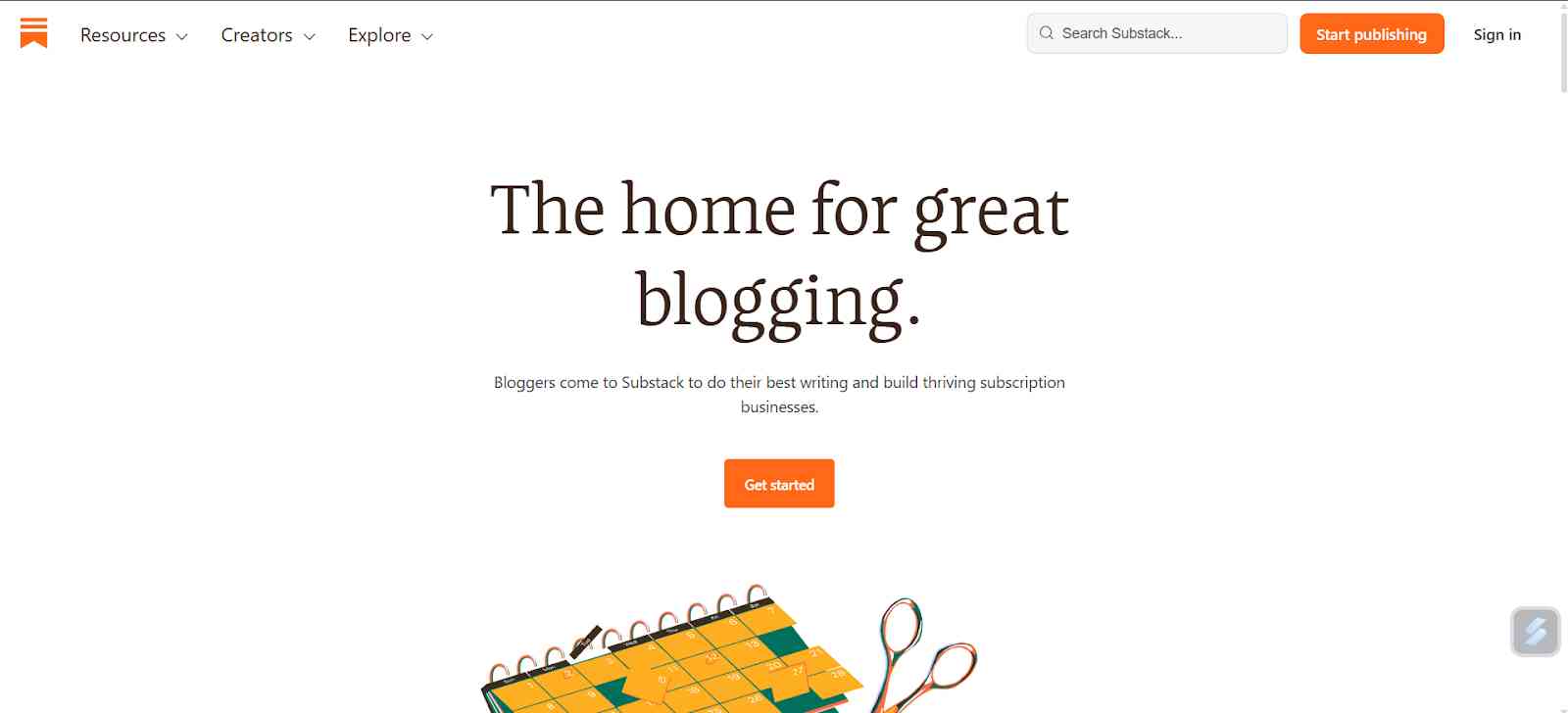
8. Substack: Substack is also a great platform for blogging. You can post your blogs online. The post that you publish on Substack appears online. It can be delivered directly to your subscriber's inbox. This dual approach helps you build a loyal readership. This platform is completely free to start, which makes it a great platform for beginners.
Features:
- Newsletter, publishing, whether it is blogging, everything is combined in a model.
- Email delivery, subscription, and list management are also there.
- Analytics, like you can see, open, click, subscriber, and net traces are there.
- Email delivery, subscription is there, paid content is there, and tiered access building is also there.
Pros:
- Very friendly for the user when it comes to wanting to build any kind of field.
- You own the subscriber list, so it gets very easy.
- Discovery and network features are also there.
- It requires a very minimal setup. Email delivery issues can happen. S
Cons:
- Substack takes 10% of the paid content.
- Free for any free-tier publications. Design and customisation are limited on this platform.
Pricing:
Free for any free-tier publications. Substack takes 10% of the paid subscription. And for custom domains, you can pay $50. That is optional.
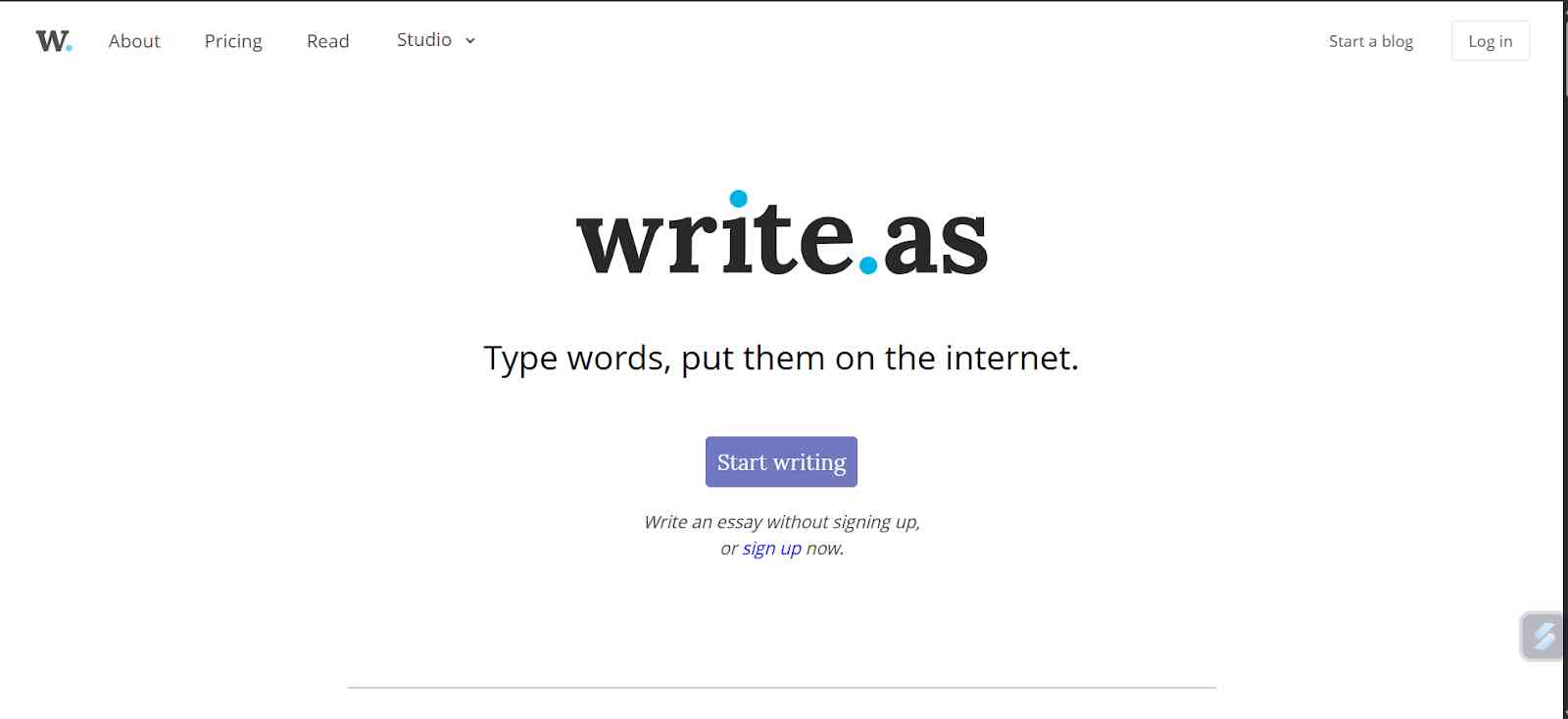
9. Write.as: Write.as is a minimalist blogging platform which is particularly focused on direction-free writing. It is an ideal platform for people who are just starting blogging. People who want to have a simple space to publish their thoughts without dealing with clutter or advanced settings.
Features:
- Minimalist writing or publication interface.
- The interface is very cheap and distraction-free for any editor to just focus on the writing.
- Basic stats and analytics are provided there.
- Domain support in paid plans.
Pros:
- Very simple and privacy-focused when it comes to a platform.
- Good for the writers who want to have a very clean, formatted platform without any kind of load.
- Affordable plans for those who want to start with basic blogging.
Cons:
- Very limited features compared to any CMSs or publishing platforms.
- More flexibility in design, customisation, and progress.
Pricing:
Free and basic versions with limitations, but for the paid plans as well. Platforms or publishing articles. Monetisation via ad revenue sharing.
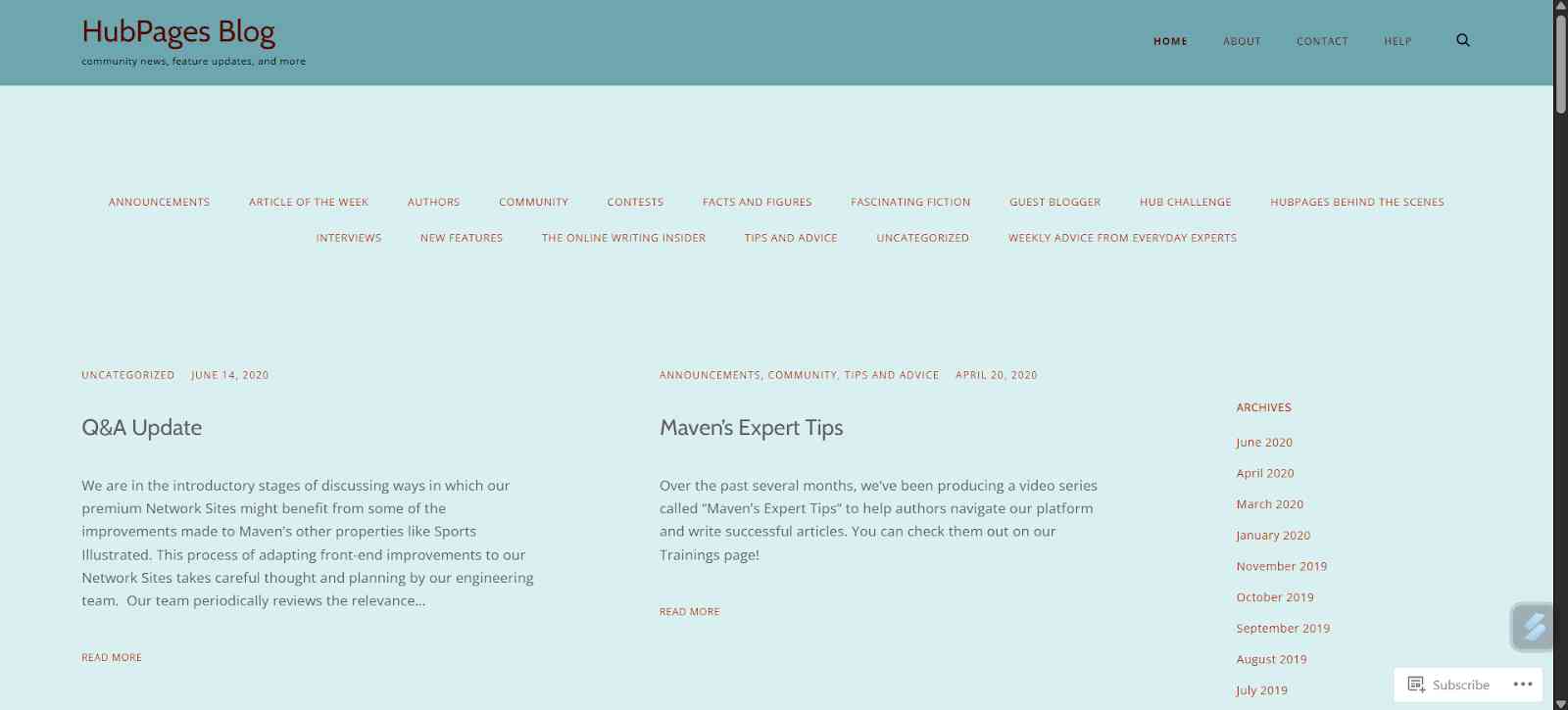
10. HubPages: HubPages is slightly different from any kind of traditional blogging platform. It is a content-sharing site. Writers can publish their articles on a niche-specific hub and earn revenue through ads or affiliate links. It is considered to be a more community-driven publishing platform.
Features:
- Topic categories like tags, internal linking, and traffic.
- Building audience network sites.
- Like your content appears in a hub's ecosystem.
Pros:
- Built-in audience and traffic potential for any web page network.
- No hosting or technical setup required.
- Good for the writers who want to get started with publishing.
Cons:
- Ad revenue sharing may be a little more complicated than owning your own website.
- It depends on the platform, like algorithmic policies and traffic dynamics.
Pricing:
This platform was free to publish, but the revenues earned were ad impressions and shares.
Creating Quality Content
- Planning your first blog posts : Planning your first blog is an essential step for the success of the blog. Before you publish, you need to brainstorm about the idea for at least 5 to 10 blog media ideas. You need to have an outline for your initial articles. This preparation keeps you consistent and also helps you prevent any creative blocks. Writing around topics that you are passionate about also helps you to stay motivated and attracts any kind of readers who share your interests.
- SEO basics for beginner bloggers : SEO stands for Search Engine Optimization. SEO basics are another critical skill that you need to have for being a beginner blogger. Simple practices like using keyboard naturally, optimizing meta description, help you make your posts easier to find by the audience, and always remember that the goal is to create the content that helps the reader think differently and while also being discoverable by the search engine.
- Free tools for keyword research and image creation: Free tools can help you immensely improve your blog content. Platforms like Google Keyword Planner, UberSuggest, and AnswerThePublic help you find trending topics or any kind of keywords. Visuals like Canva, Pexels, etc., help you provide free images and graphics. Leveraging all these kinds of tools ensures you have a blog that not only looks professional but also helps you reach a broader audience in the market.
Promoting Your Blog Without Spending Money
- Promoting your blog is as important as writing a blog. Sharing your post on a few social media platforms like Instagram, LinkedIn, X, which was formerly known as Twitter, helps you grow or have a wider audience. You can also use some relevant hashtags to get discovered by the people who are interested in the topic or who are interested in blogging.
- Networking with other bloggers also helps you to promote your blogs for free. Leave your comments on their blogs. Collaborate on guest posts. Building a relationship in the blogging world helps you grow your audience, but also strengthens your authority.
- You can leverage free SEO strategies for promoting your blog. You can submit to a blog with a Google search console, build internal links, and write long-form posts. These are a few tactics that cost you nothing but can significantly improve your blog's visibility over time.
Growing and Monetizing Later
Once you are keen about writing a blog, the next step is monetization. You have usually heard that even free blogs can generate income through affiliate marketing, sponsored posts, or even displaying ads, if it is supported by the platform, of course.
Platforms like Medium, Substack, and HubPages help you make it very easy to start earning directly. Over time, you may outgrow free blogging platforms and want more control. Then, when you feel as such, it is the right time for you to start investing in a custom domain of premium hosting, which helps you not only build credibility but also unlocks many advanced customization and monetization features.
Many great bloggers start with free and later on upgrade to WordPress.org or similar paid platforms. The key to having a long-term career in blogging is to stay consistent, focus on building an audience, provide them with value, and improve your writing skills. With great writing, you can even write blogs that will be able to help people grow, learn, and also influence your clients.
Conclusion
Blogging for free in 2026 is one of the best ways to enter the world of blogging and online publishing. With so many platforms offering you to post, feature ,and add new posts, beginners can easily focus on writing and can also earn simultaneously. By creating quality content, promoting it strategically and engaging the right readers, and also building a community, you can build a solid foundation without investing a single penny.
Once you have built a community or audience, you can later on get a paid plan becomes an option but not a necessity. Finally, blogging in 2026 offers endless opportunities, whether you are aiming to share your personal stories, you want to educate people on any kind of topic, or you are just a writer who loves to write. Starting free is the first step towards long-term success. There are many platforms that we have discussed earlier for you to start blogging.
Frequently Asked Questions
1. Which free blogging platform is best for beginners?
WordPress and Blogger are the most beginner-friendly because they are simple to use and also require no technical skills. They offer free plans but also have plans for subscription people.
2. Can I make money from a free blog?
Yes, you can make money from a free blog. Some platforms like Medium, HubPages, or Substacks help you make money through free blogging.
3. How do I get more visitors to my free blog?
You can use SEO, Search Engine Optimization. You can share your post on social media and engage online presence or build a community related to your niche.
4. How much does it cost to learn digital marketing?
Learning Digital Marketing can be free, but free resources like Google Digital Card or YouTube Tutorials. There are many paid courses that can range from $50 to several thousand dollars, depending on the provider of the certifications.
5. What are the limitations of free blogging platforms?
Free demos come with restrictions, like limitations, customization, platform branding, and a few monetization options.