
Graphic design software has become essential for creating professionally designed visuals for any content across various media. Today, we will be discussing software for students and professionals. And also, we will be talking about why you should use graphic design software for a better outcome. Key features to look for in graphic design software. How to choose the correct graphic design software according to your needs. And at last, we will be talking about the frequently asked questions that you might have about and related to the graphic design software.
Now, first things first: what is graphic design software? Graphic design software is a digital tool that is used to edit, create, or manage any kind of visual content that is printed on any multimedia platform. It also allows designers to work with different kinds of text, images, shapes, colors, layouts, and many more. Most of the UI/UX designers prefer graphic design software for their job. There are two types of graphic design software: raster-based and vector-based.
- Raster-based : This is a graphic design software which is typically used for editing pixel-based images like Adobe Photoshop.
- Vector-based : This type of graphic design software is vector-based, which is normally and usually used for creating any scalable graphics like logos, illustrations, and many more.
Many modern tools have certain specialized functions, like Procreate, which can optimize your digital painting, and Figma, which usually focuses on the interface and product design with real-time collaboration.
Why should you use Graphic Design Software?
Graphic design software empowers you to visually communicate ideas in a professional and impactful way. Whether you are creating any post on social media, designing any kind of logo, or submitting any kind of illustration to the organization, it helps you to create polished concepts and high-quality visuals. Instead of hand-drawing sketches or using any kind of limited formatting tools, graphic design software helps you by giving you control over the details, any kind of font, colors, and also saves your time.
Graphic design software not only helps you with creating better stuff but also improves your efficiency. Many platforms also offer you pre-built templates, asset libraries, and a real-time collaboration tool, which will speed up the creative process. These kinds of features really help students who are just starting their graphic design careers. It can also help students who are still in high school to learn faster about graphic design. For professionals, it is a very streamlined workflow, and it can give you quicker revisions. Some of the tools also integrate AI features into them, which is very helpful for them.
The reason why you should be using graphic design software is that you need to become more effective in this creative industry. And it enables you to produce the content that actually meets the client and with modern standards. Even if you are freelancing, building a portfolio or creating any kind of logo illustration will help you with using these kinds of design software. And it will also help you stand out in this competitive world.
Best Graphic Design Software for Beginners
1. Adobe Photoshop
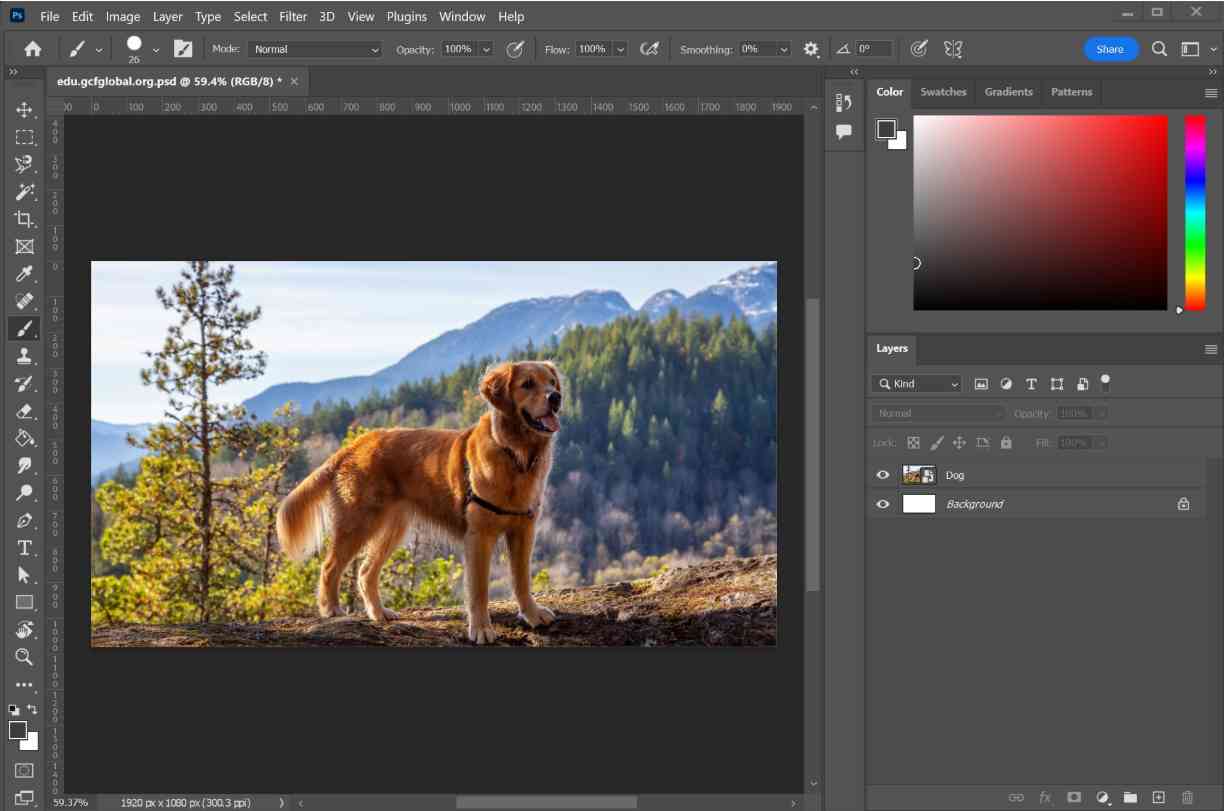
Adobe Photoshop is one of the leading software for photo editing, digital painting, graphic designing right now. It is widely used by the professional and creative industry.
Feature:
- Help you with the layer-based editing.
- AI-powered tools are available in Adobe.
- You can have access to brushes, smart objects, and filters.
PROS :
- Can easily integrate with Adobe Creative Cloud apps.
- It is extremely versatile and powerful to use.
- You can watch many tutorial videos to help you learn how to use this platform.
Cons :
- The subscription is expensive.
- It is not easy for beginners to use.
2. Adobe Illustrator
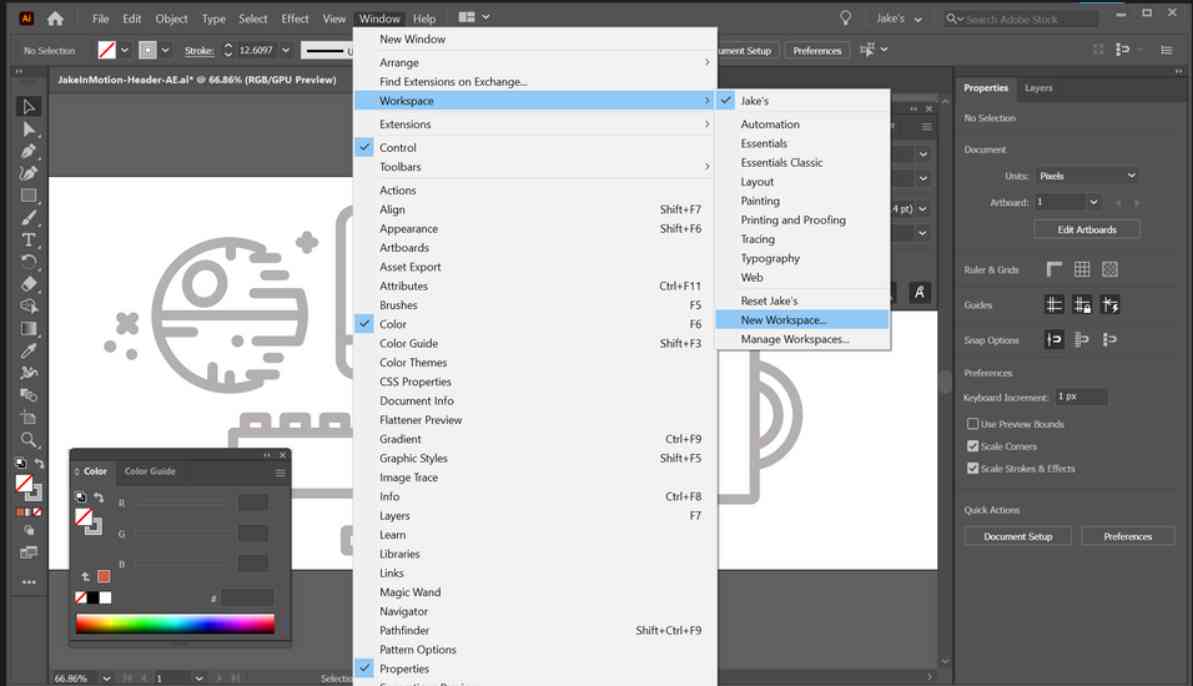
Adobe Illustrator is built by the same company, Adobe. It is software that helps you create vector graphics such as logos, icons, and illustrations.
Features:
- A huge plus point of this platform is that you can access the vector drawing tools.
- Gradient and Mesh tools are available over here.
- There are multiple layouts for artboards.
PROS:
- This is the kind of platform that exactly matches the industry standard for vector design.
- It has precise control over any shapes or paths.
- It is a kind of platform that gives you infinite scalability with no compromise on the quality of the product.
Cons:
- This is a platform for which you need to have a subscription.
- It is an application that you need to study beforehand.
- You should know how to use it before using it. It is not a beginner-friendly platform.
3. Canva
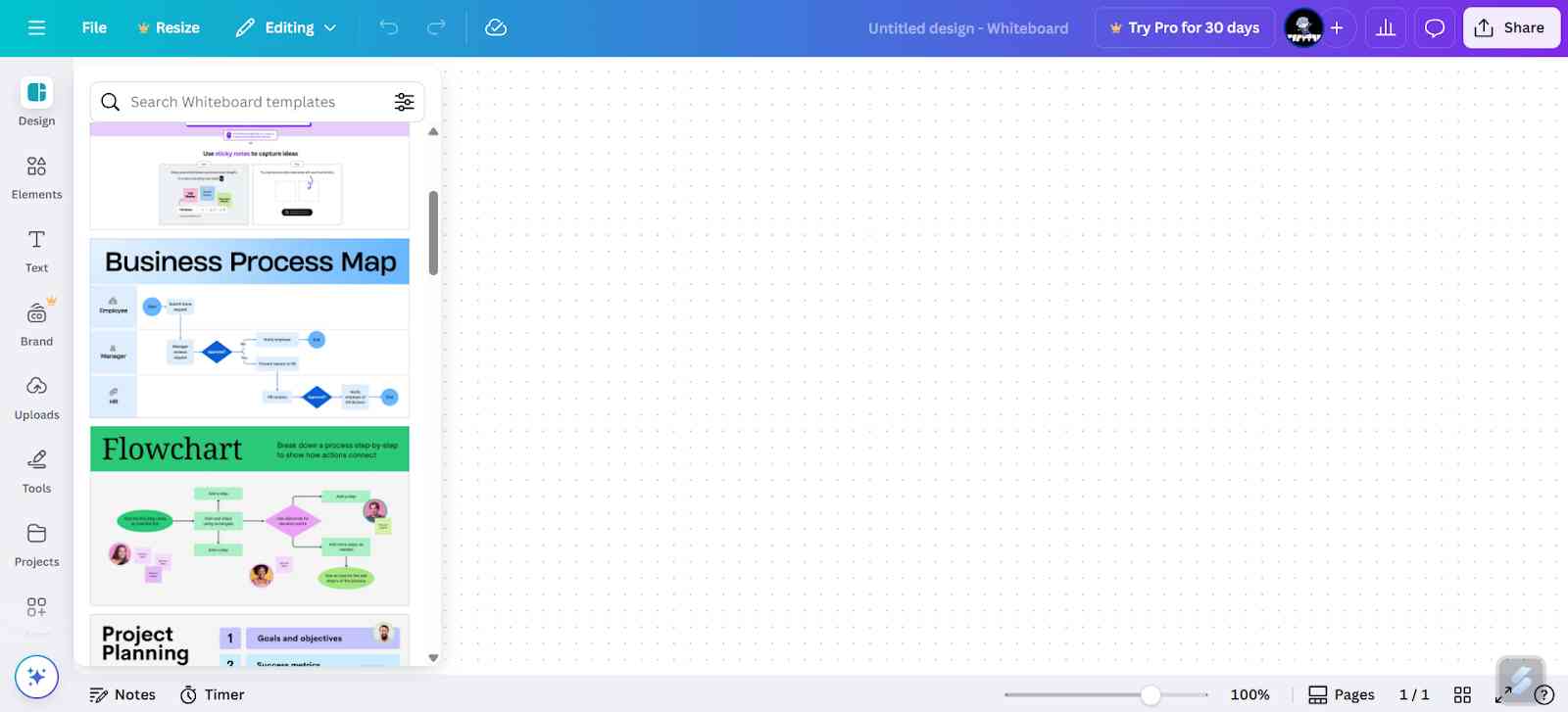
Canva is a cloud-based design tool that is popular among beginners and non-designers. It helps you with creating quick visuals like social media posts, posters, logos, marketing content, etc.
Features
- It has a feature of a drag-and-drop editor.
- Thousands of templates are already pressed over here.
- You can build presentations on this tool as well.
- Design collaboration is allowed on this tool.
PROS
- It is extremely easy for beginners to use.
- You are not required to install any software to use Canva.
Cons
- There is a very limited customization that you can do on this platform.
- It is not considered ideal for use in the design work.
- If you don't have a subscription to this platform, there will be a watermark on the Panel.
4. Inkscape
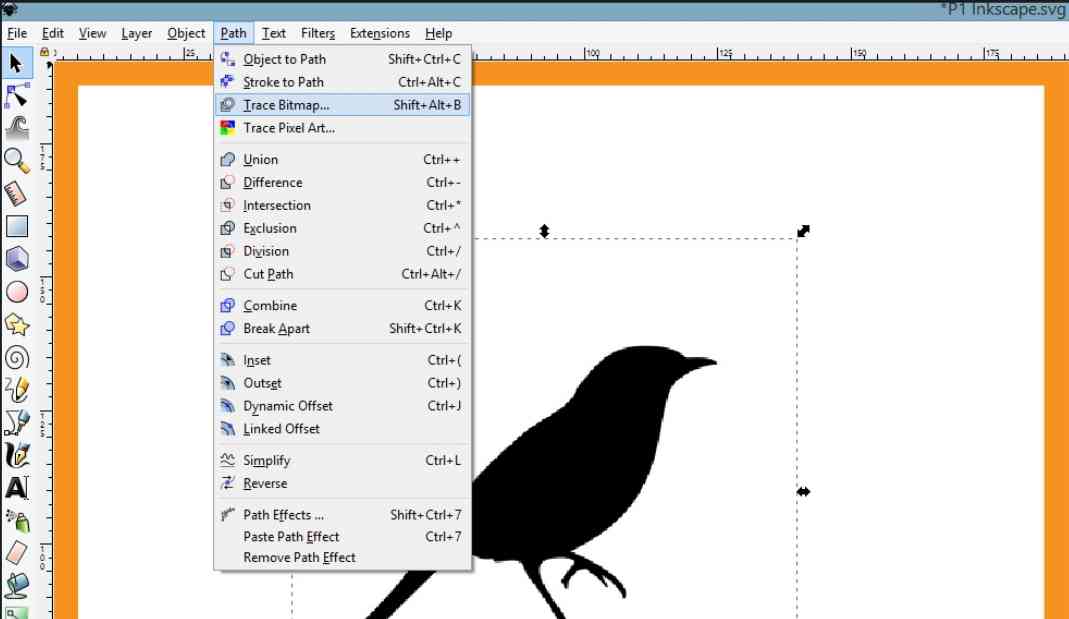
Inkscape is an open-source vector graphics editor, often considered a free alternative to Adobe Illustrator.
Features :
- Provides you with SVG file support.
- Will be allowing you to do text and object manipulation.
Pros :
- Free and open source editor.
- It has strong vector tools.
- Very easy for beginners to start learning through this platform.
Cons :
- The interface is not up-to-date.
- This platform has less supported documentation.
5. Figman
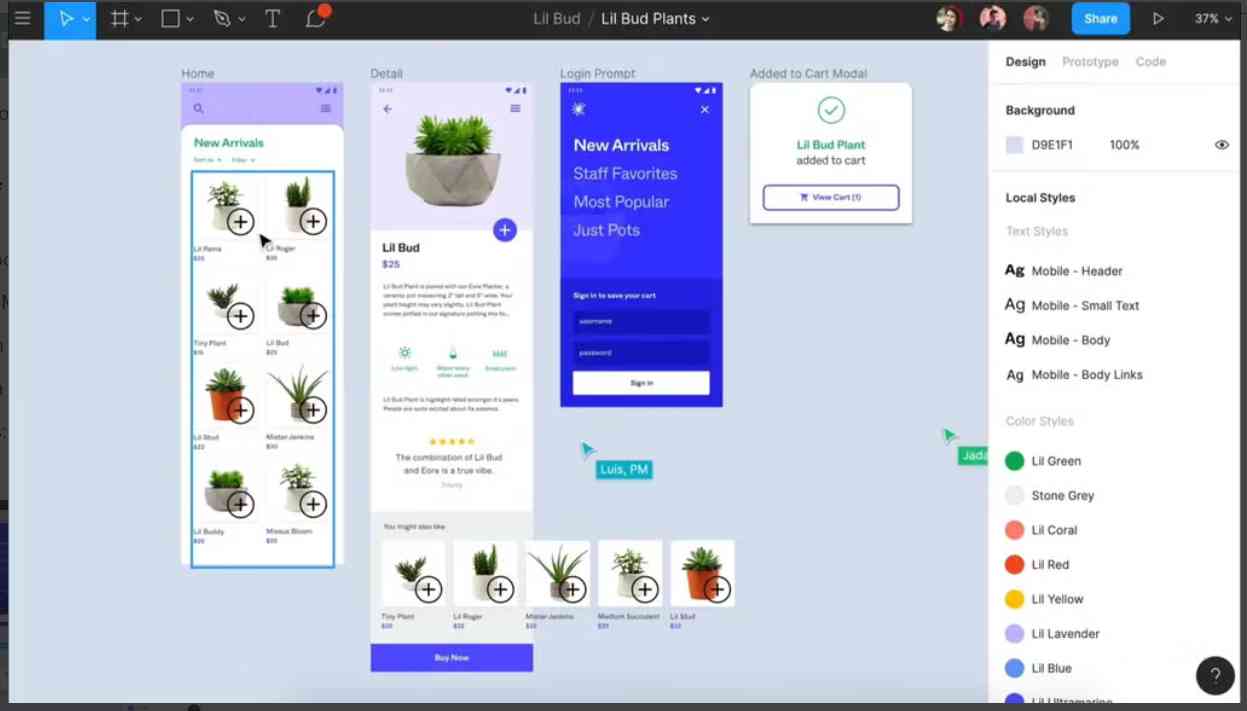
Also web-based interface design and prototyping tool which is popular among UI/UX designers.
Features :
- Real-time collaboration is provided on this platform.
- This platform provides you with commenting and version history.
- Works directly in the browser, no need to install any kind of application.
Pros :
- This platform is great for working in 2D and for remote work.
- This platform is very easy to use and it is very responsive.
Cons :
- This platform must have an internet connection while using it.
- Only a limited feature for printing design is available.
6. Adobe XD
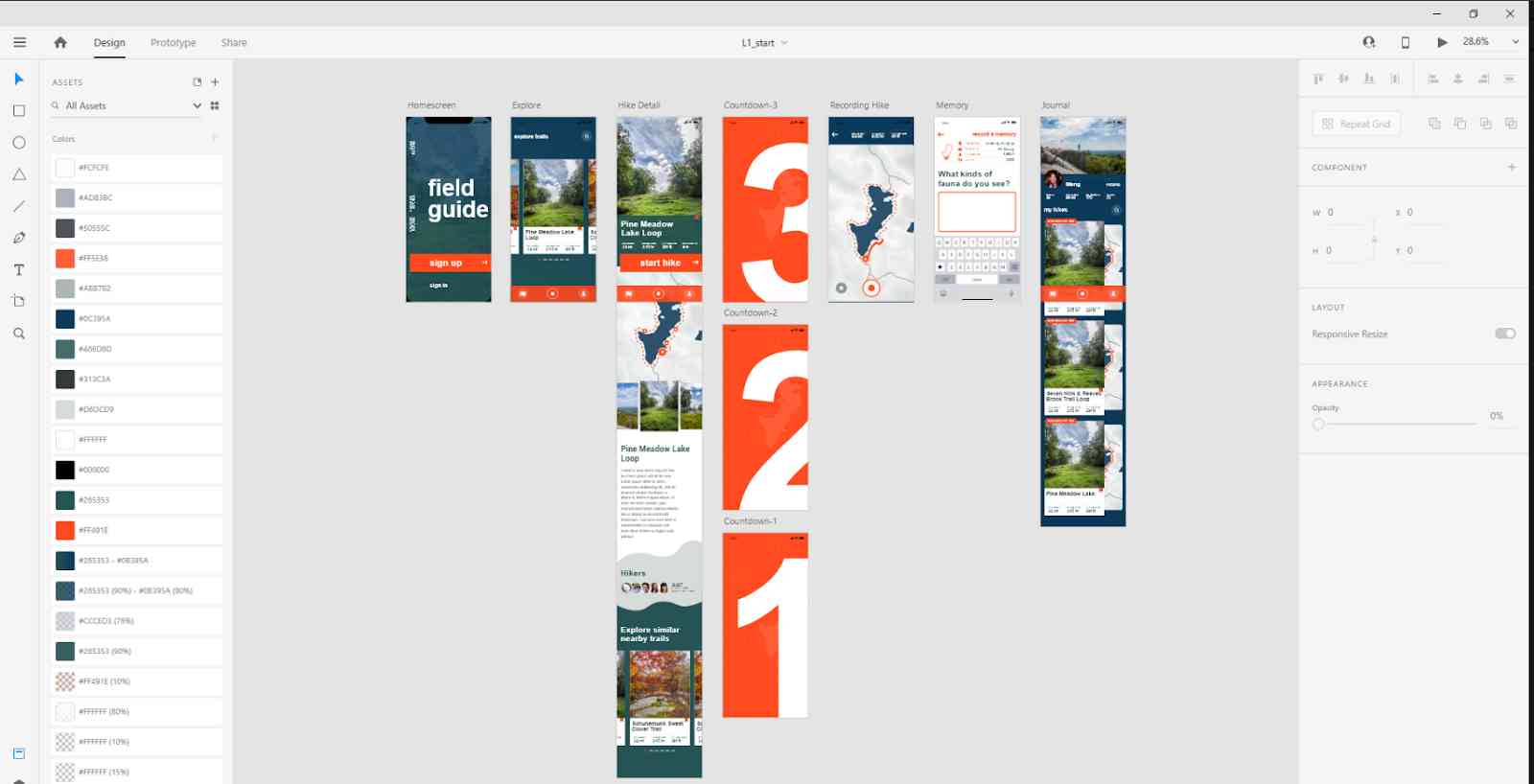
Adobe XD is Adobe’s specialized tool for UI/UX design, wireframing, and prototyping interactive digital experiences.
Features:
- This graphic design tool helps you with interactive prototyping.
- It can also integrate Photoshop and Illustrator.
Pros :
- It contains powerful prototyping tools.
- Part of the Creative Cloud ecosystem.
Cons :
- Only limited register and vexes editing is allowed.
- Fewer plugins than Figma has. It's very conservative in terms of collaboration.
7. Procreate
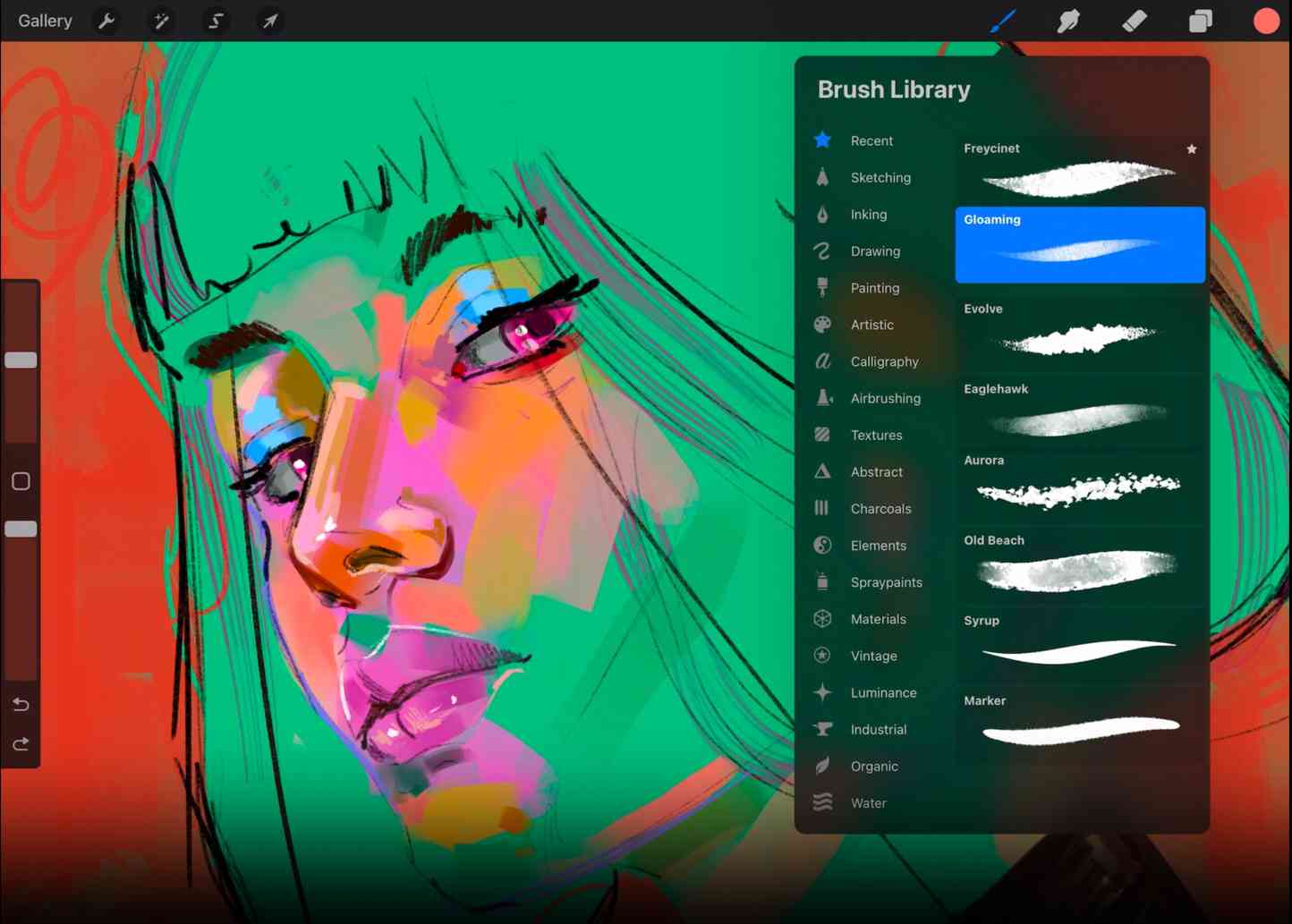
It is a digital painting app that is exclusively made for iPad users. Widely used for illustrating and hand-drawing content.
Features
- It provides you with a custom brush engine.
- A time-lapse of the recording is available on this platform.
- Apple Pencil support will be given in this app.
Pros
- Smooth performance is experienced in this tool.
- It contains a rich brush library.
- It is a great platform for sketching and painting.
Cons
- Only iPad users can use this platform.
- There is no support for vector drawings.
8 . Affinity Designer
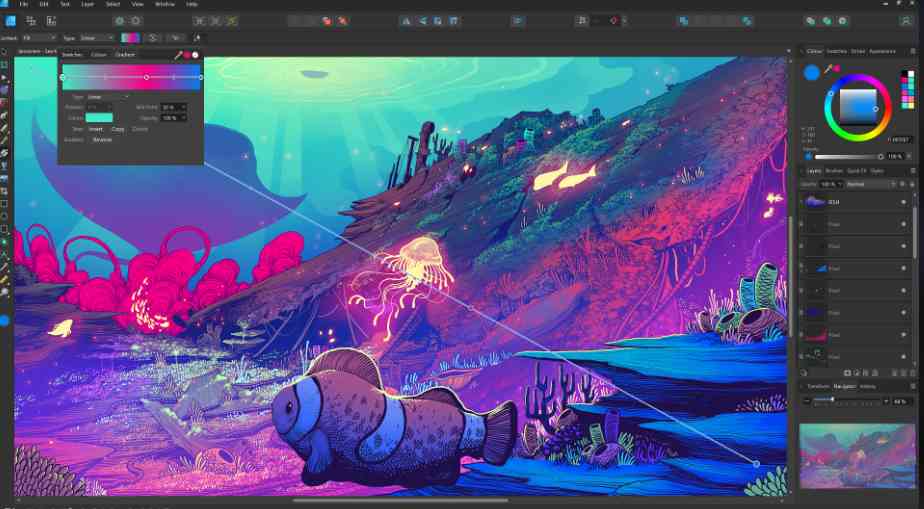
Affinity Designer is a graphic editor that is mostly used by professionals for vector and raster graphics. It seems to be a powerful alternative to Adobe Illustrator.
Features
- Comes with vector and pixel personas.
- Real-time performance will be provided over here.
- Grid and snapping tools are available on this platform.
Pros
- It is a platform where you can purchase.
- This can work on Mac, Windows, and iPad.
Cons
- Affinity Designer has a smaller user community.
- No cloud collaboration will be given over here.
9. Blender
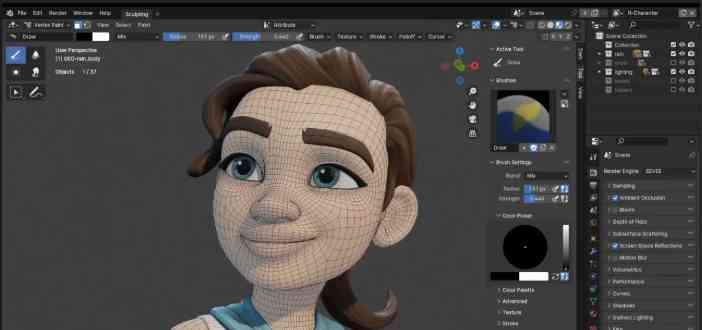
Blender is an open-source 3D modeling and animation software. It is considered ideal for creating any 3D graphics or motion designs.
Features:
- Some of the key features of this platform are that it allows you to do 3D modeling and sculpting.
- Animation and bridging are used very much on this platform.
- Video editing can also be done on this platform.
Pros
- This platform is completely free to use.
- Any kind of feature-rich software for 3D design is available.
Cons
- It's very hard for beginners to learn this platform.
- This platform is not meant for any 2D graphic design.
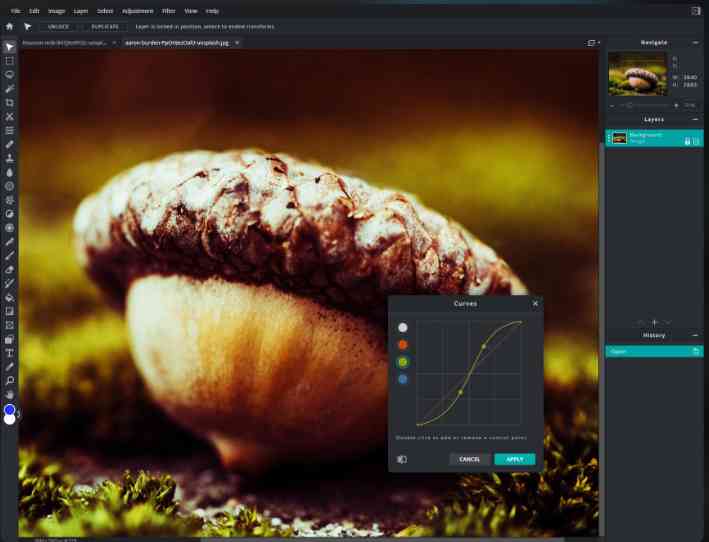
10. Pixlr
Pixlr is a browser-based image editor tool, which is suitable for you to do very basic photo editing and graphic design tasks.
Features
- The key features of this source are that you can layer and mass support this.
- Filters and overlays are available.
- Mobile apps are also available on these platforms.
Pros :
- This software can be used without downloading any kind of application.
- It is very fast and simple for any beginner to get started with graphic design.
Cons
- The free version contains ads.
- It has very limited advanced tools for you to use.
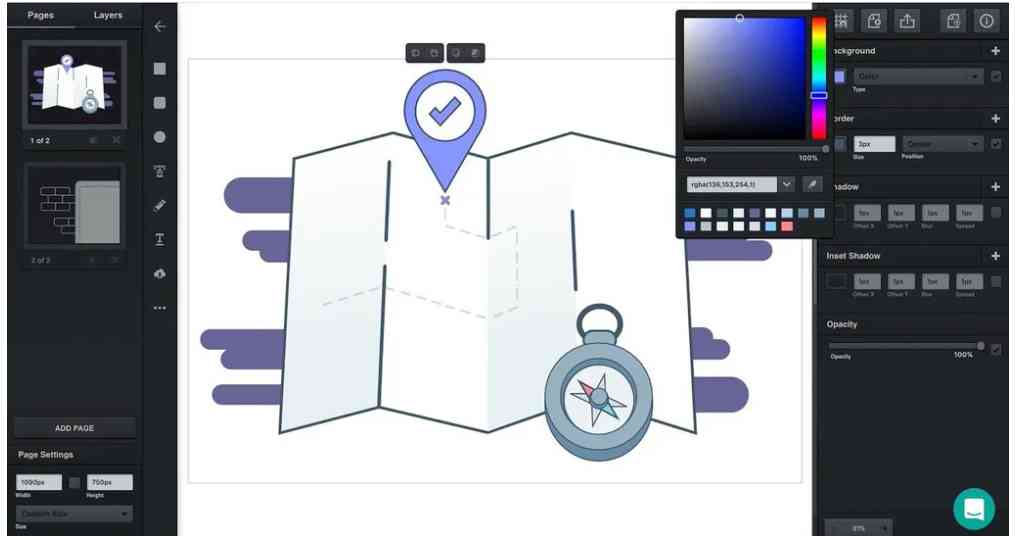
11. Vectr
Vectr is a free vector graphics editor that's simple and accessible, ideal for learning the basics of vector design.
Features
- Cross platform sync is available on this website.
- This platform can provide you with basic vector drawing tools.
- Real-time collaboration is available on this platform.
- Scalable project handling can be done on this platform.
Pros :
- To work on this platform, you don't have to install any kind of web application.
- This application is free and lightweight.
- It is considered very easy for any beginner to start with graphic design.
Cons :
- This platform contains very basic features.
- This platform is not considered to be suitable for any professional use.
Key Features to Look for in Graphic Design Software
It is important for you to look thoroughly before choosing any graphic design software. You should always consider the facts that whether the software design aligns with your creative goals and workflow or not. Some key features to consider are as follows:
- Vector and Raster Support: Some of the tools, like Illustrator, support vector design while Photoshop handles the raster image, and many advantage tools offer both, so you should always be looking for these tools to support software design for your professional use.
- Layer Management: While editing any project, you will be faced with layer-based editing, so always look out for the layer management to determine if the platform contains any layer management tools or not.
- Templates and Presets:Some of the platforms offer you pre-designed templates, which are very helpful for beginners.
- Export and File Format Options: Always look first to see whether the software or the website is providing you with the file type that you require or not.
- Collaboration Features: Collaboration is one of the main features in today's world, so always look out for a platform that is easy for collaboration. Some of the tools, like Figma, can enable real-time co-editing.
- Cross-Platform Availability: Cross-platform availability is also an important feature you should be looking out for. The platform should be available on all kinds of devices, like Windows, Macs, or mobile platforms.
How to Choose the Right Graphic Design Software ?
Choosing the right graphic design software depends on several factors:
1. Skill Level
Skill levels play a major role. If you are beginners you should start with a simple interface like drag and drop on platforms like canva. For advanced level you can invest in the feature software like Adobe Photoshop and many more.
2. Use Case
For photo editing and digital painting, Adobe Photoshop or Procreate are ideal.
For vector illustrations and logos, go with Adobe Illustrator, Affinity Designer, or Inkscape.
If you’re into UI/UX design, Figma or Adobe XD are specialized for that.
3. Budget
If you’re just starting out or learning, free and open-source tools like Inkscape, Blender, and Vectr are great options.
Freemium tools like Canva and Figma let you start for free and upgrade later when you need more features.
Professional tools like Adobe Creative Cloud apps require subscriptions
4. Device Compatibility
Some tools like Procreate are exclusive to iPad, while Figma works directly in a web browser and supports all platforms. Check if the software supports your operating system (Windows, macOS, or Linux) or if it’s cloud-based for more flexibility.
Ensuring compatibility helps you work seamlessly across devices without losing performance or file quality.
5. Learning Curve
Canva, Pixlr, and Vectr are easy to learn within a few hours, making them perfect for beginners and casual users.
Adobe tools, Blender, and Affinity Designer may take longer to master, but they offer advanced functionality for professionals.
Summing Up
At last, we want to sum up by saying that Graphic Design Software is a very essential asset for turning any creative idea into compelling visuals. Whether you are a student, professional, or freelancer, it is very easy for you to work on these platforms, and it is very important for you to choose the right Graphic Design Software according to your needs so that your project is tailored to you. The key to understanding your creative goals and selecting which kind of software supports your workflow, your budget, and your time is essential. Choosing the right Graphic Design Software not only helps you in terms of money but also boosts your efficiency, and the output of your projects has a greater creative potential.
Frequently Asked Questions
1. Which software is commonly used for UI/UX design?
Some commonly used software for UI/UX in Figma are Adobe XD .
2. Are there any free graphic design tools available?
Yes, there are many platforms that are free of cost, like Blender, Inkscape, and Canva.
3. What is the difference between Photoshop and Illustrator?
Photoshop is basically used for photo editing and raster-based work, while Illustrator is ideally used for any illustrating, like scalable vector graphics like logos or illustrations.
4. Can I use graphic design software on my mobile or tablet?
Yes, you can use a graphic design software on your mobile or tablet. For iPad users, you can use Procreate. And for mobile users, you can also have Canva, Pixlr platforms.
5. What software do professional graphic designers use?
Professionals usually use Adobe Photoshop, Illustrator, Figma, and Affinity Designer.